

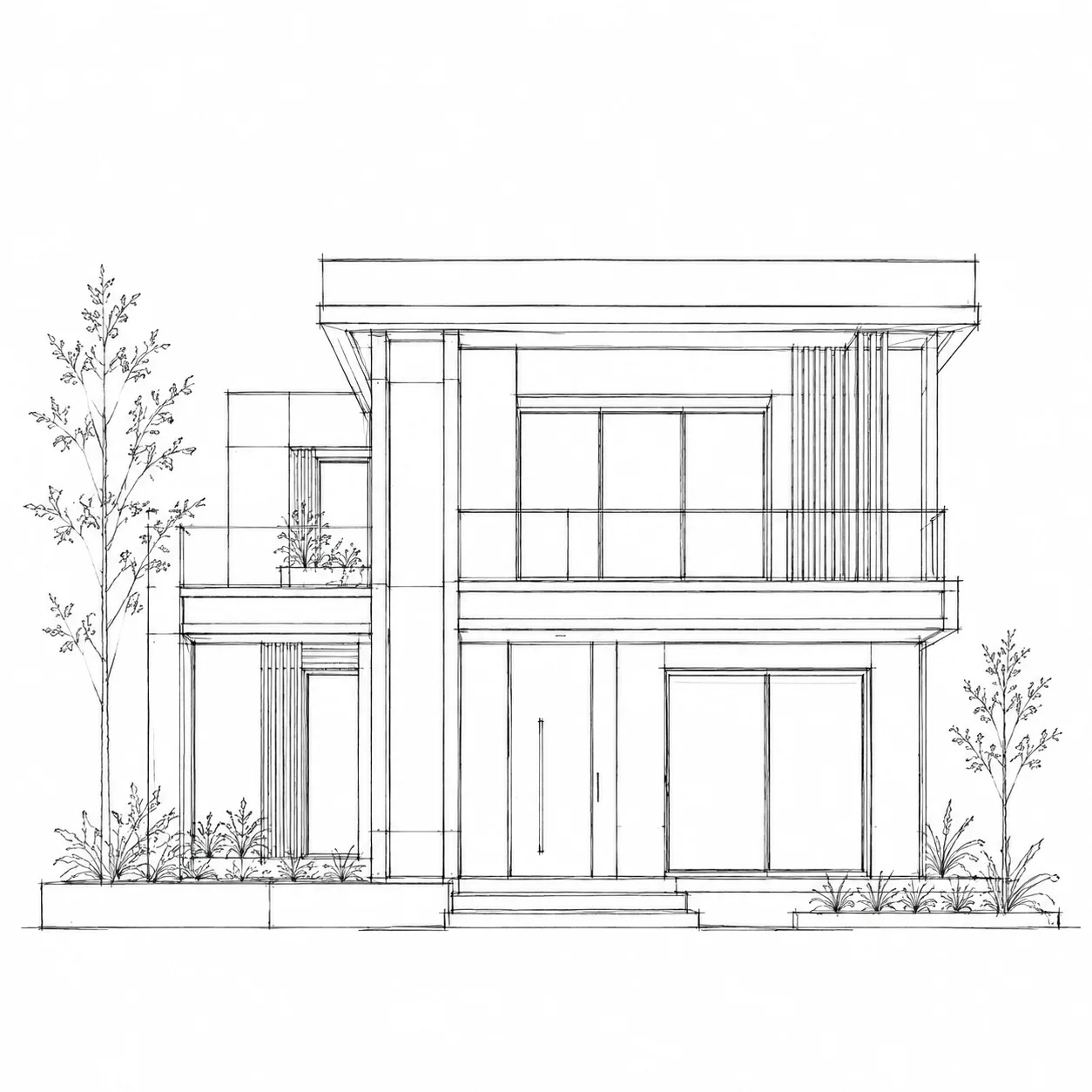
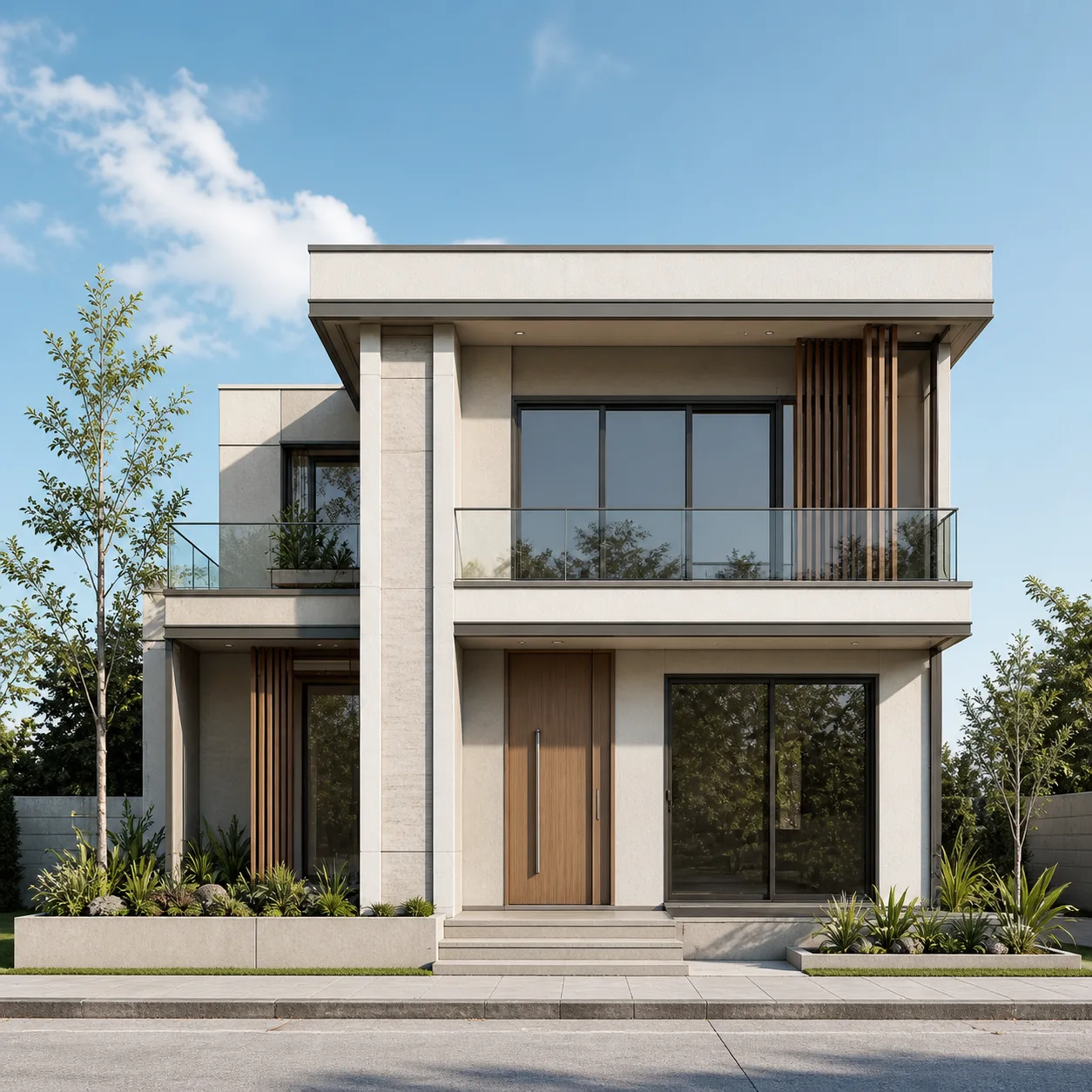
Watch a Line Sketch Become a Render Video
The exact transformation architects use every day — a hand-drawn elevation sketch animated straight into a photoreal render.
Transition mode: line sketch to photoreal render, animated.
How to Animate an Architectural Render with AI
Skip the render farm and the video editor. Go from a still SketchUp or CAD render to a walkthrough video your client can watch in one sitting.
Upload Your Render
Use a before/after pair for a Transition (for example, massing model to final render), or a single photoreal render for a Drone fly-through.
Pick a Camera Move
Choose a preset — zoom in, pan, crab shot — or write a custom prompt to match the lighting and pacing of your presentation.
Export for Your Deadline
Render in 16:9 for a client deck or projector, or 9:16 for a mobile-first pitch, then download the MP4 the same day.
Built for Client-Ready Render Videos
From a still SketchUp or CAD render to a walkthrough video, without a render farm or a video editor.
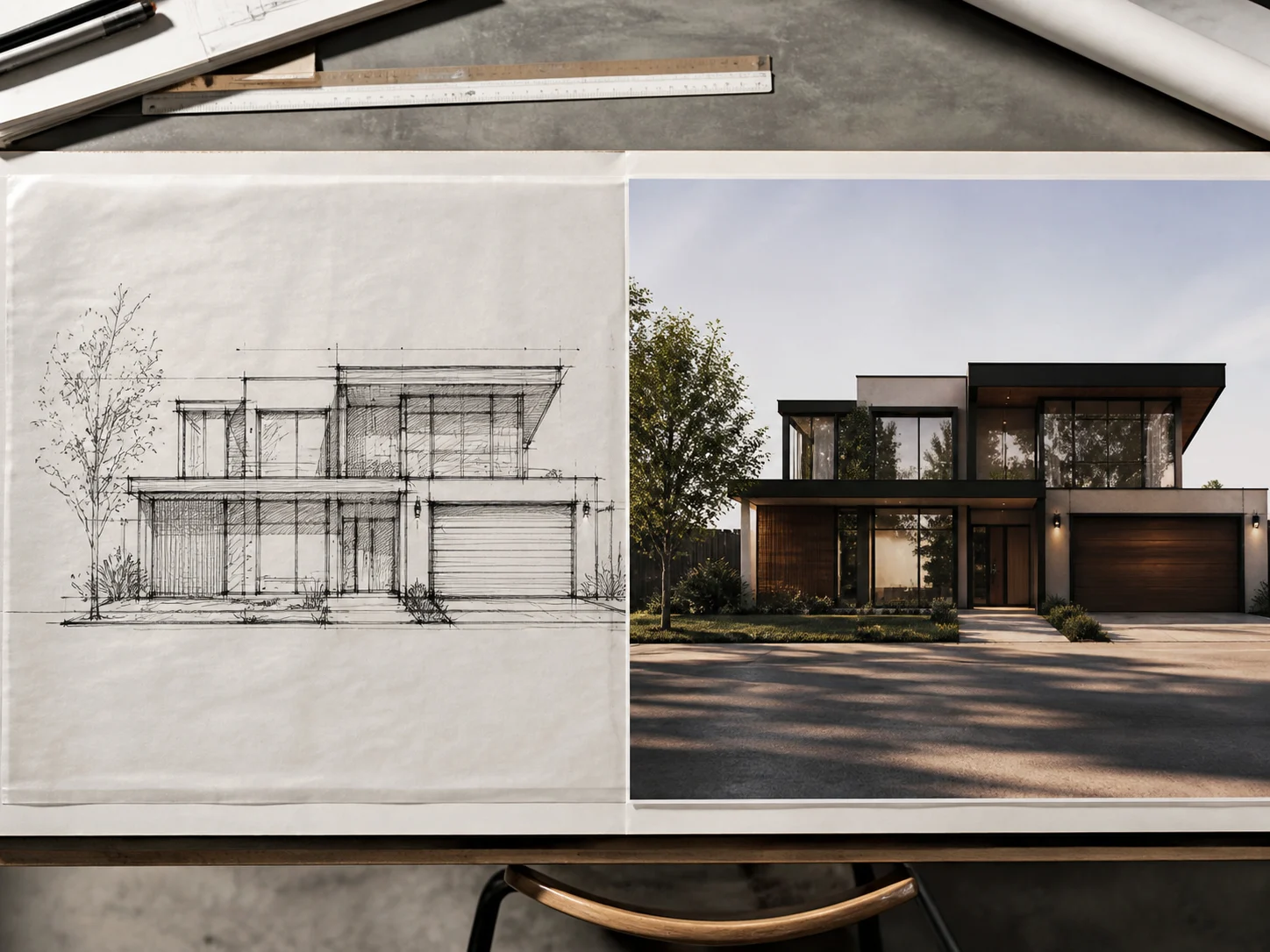
Same Sketch-to-Render Pipeline, Now in Motion
Pair a line sketch with its photoreal render for a Transition video that shows the design process itself — the same transformation our sketch-to-render tool already performs for stills.
See Sketch to Render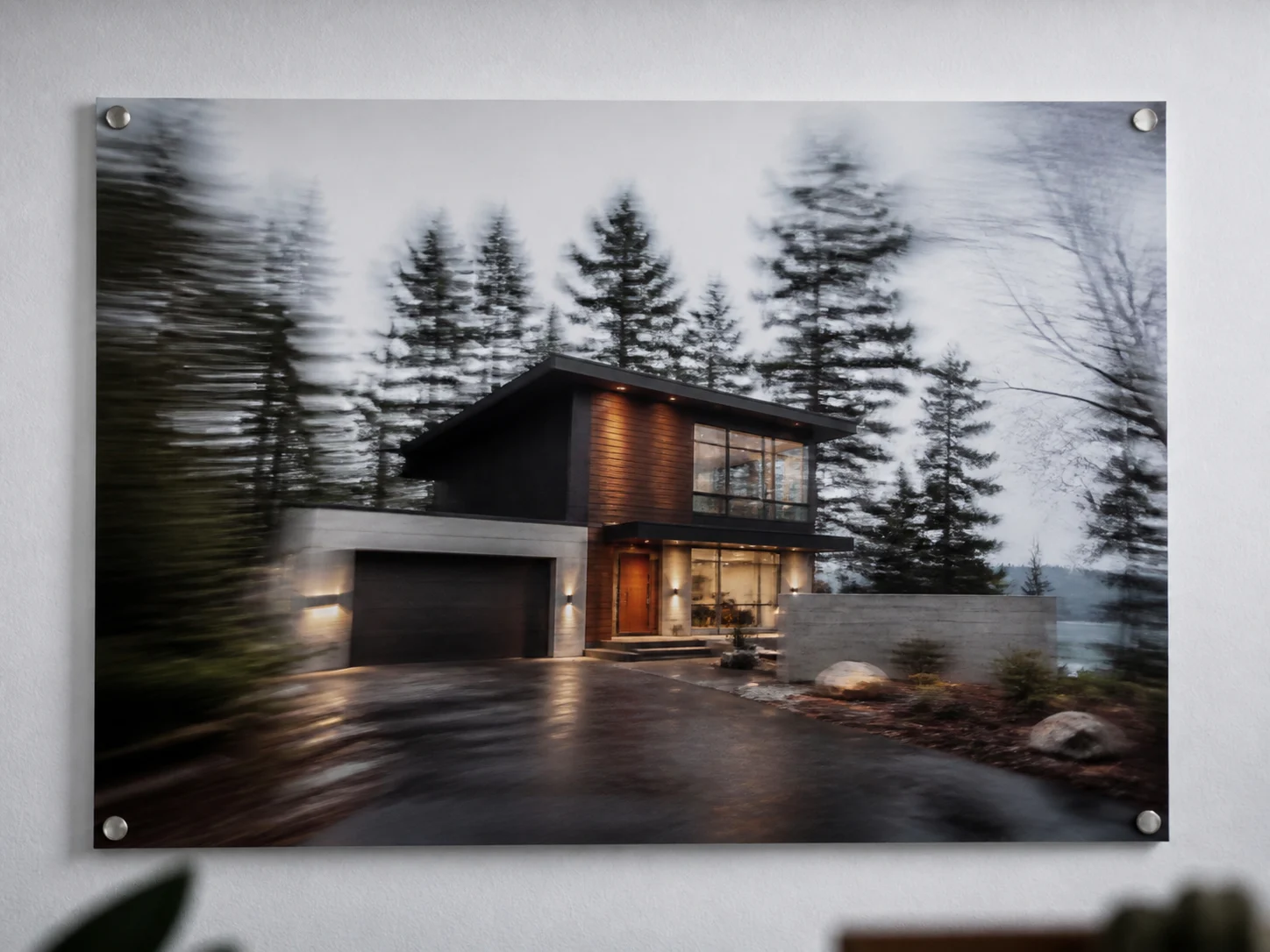
Drone Fly-Throughs From a Single Render
No matching before/after pair needed — Drone mode takes one render and applies a cinematic camera move, a zoom, pan, or crab shot, so even a single image becomes a walkthrough.
Try Drone Mode
Camera Moves Written in Plain English
Switch to Custom mode to describe exactly how the camera should move and how the light should shift, instead of settling for a generic preset that doesn't match your presentation.
Write a Custom Prompt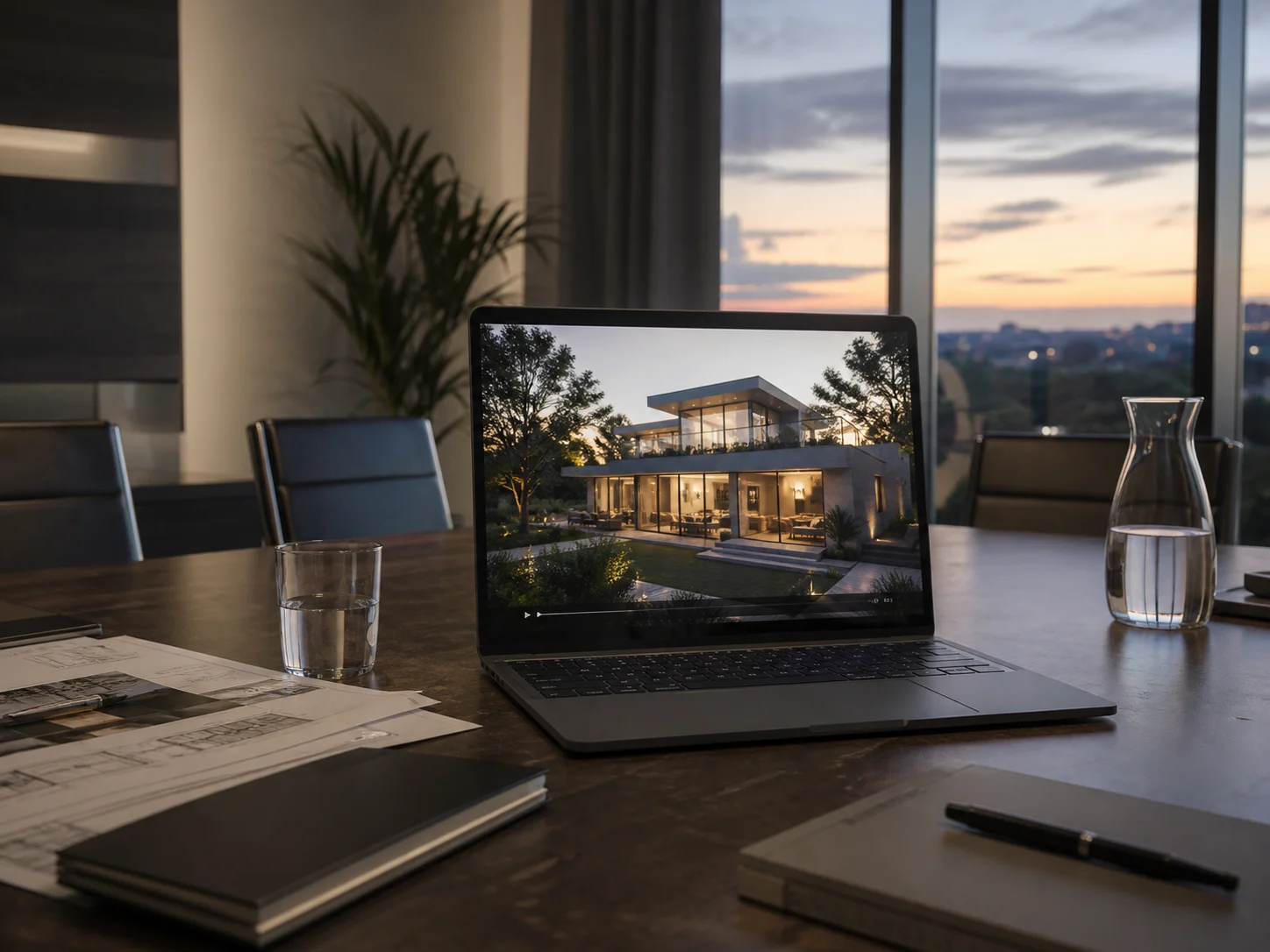
Deadline-Ready Exports
Export at 16:9 for a client deck or a projector, or 9:16 for a mobile-first pitch, in 4 to 8 seconds — fast enough to still make tonight's client meeting.
Pick Your Format
A Fraction of a Render Farm Queue
Pricing is based only on video length, starting at 16 credits for 4 seconds, with no separate render-farm booking or wait in a rendering queue.
See PricingWhere Architects Use Render Videos
The same render video capability, applied to a few very different moments in a project.
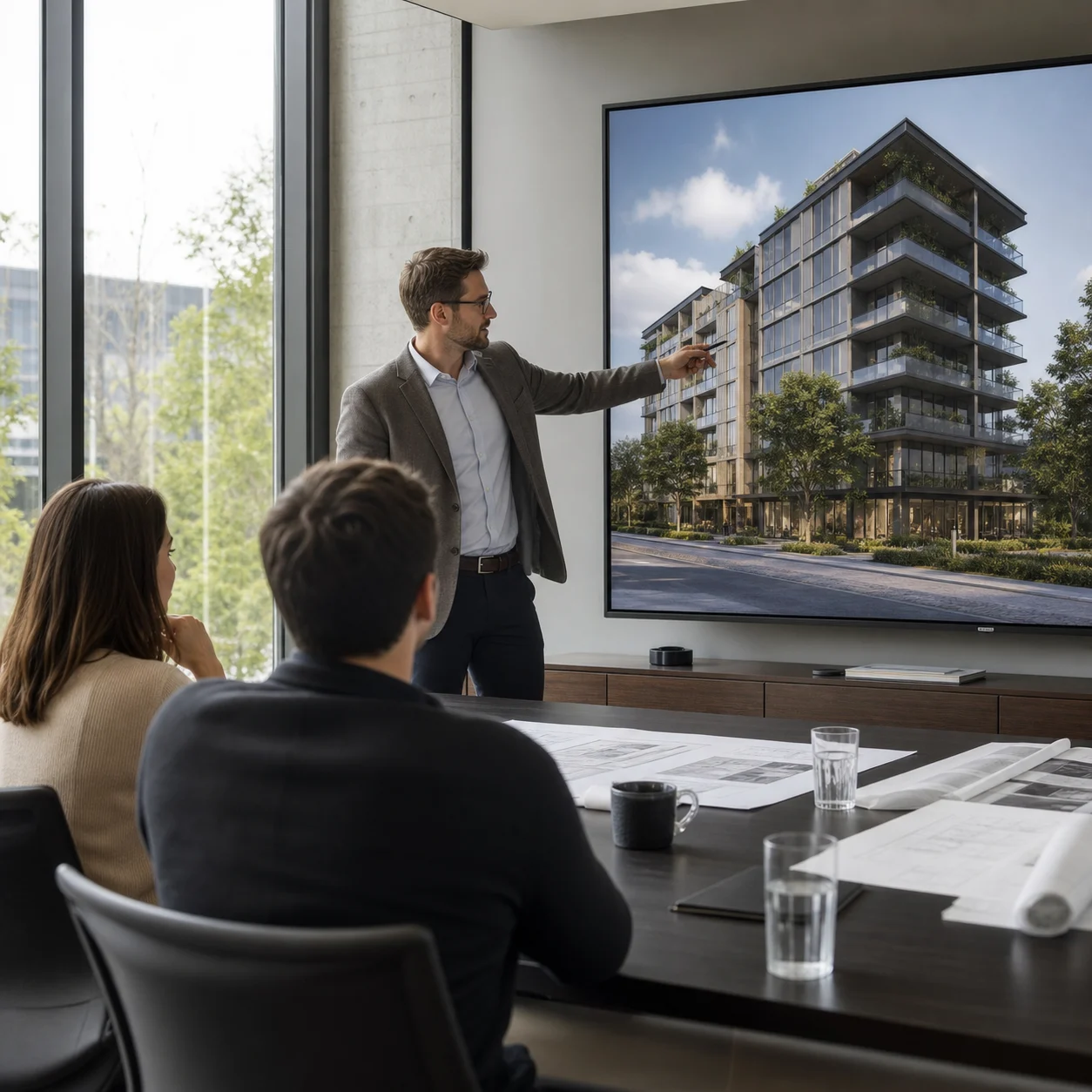
Client Presentations
Turn tonight's finished render into tomorrow morning's walkthrough video, so the client sees the design move instead of just a single frozen angle.
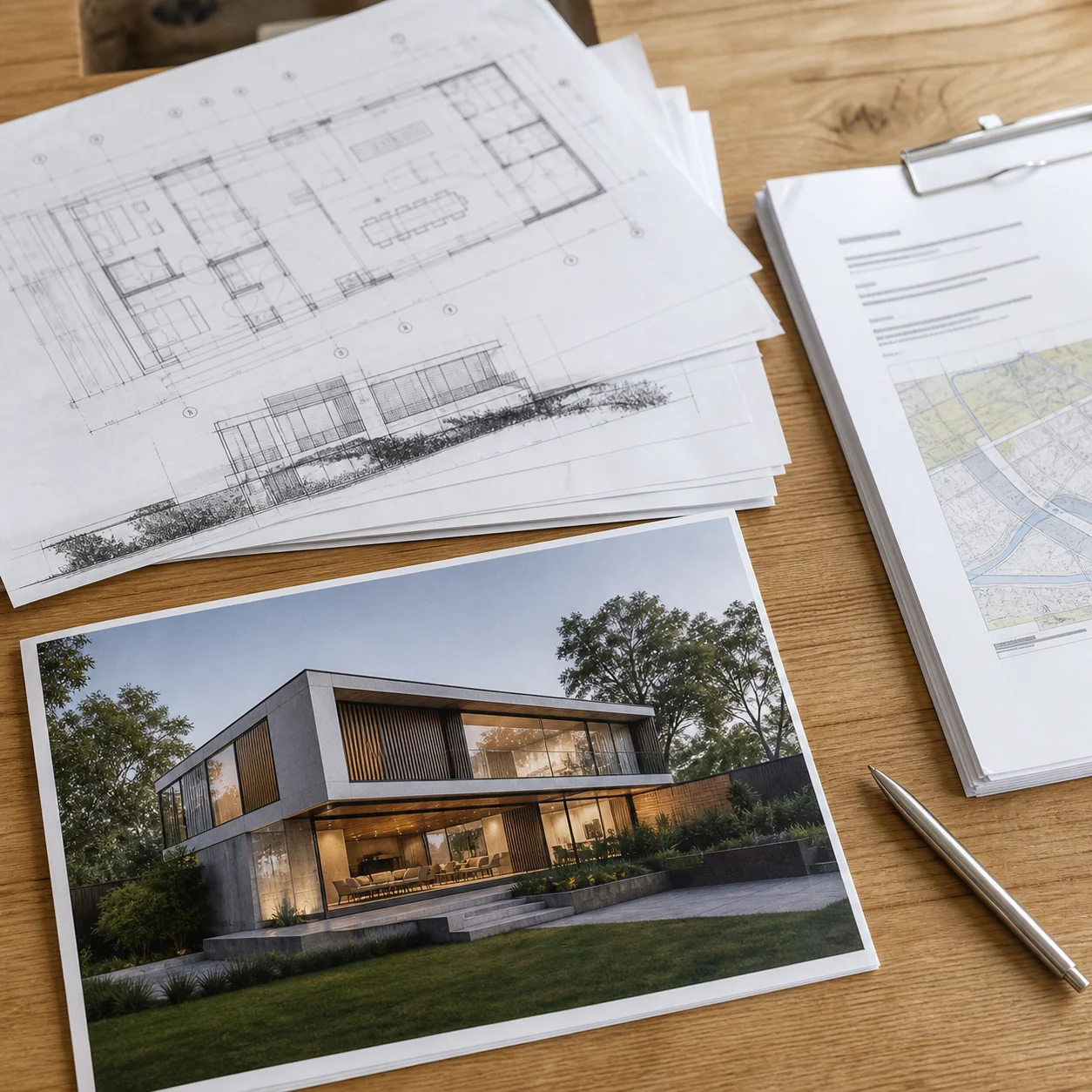
Permit & Planning Submissions
A short video built from a still render can help reviewers and neighbors read a proposal faster than a static elevation, the same way the sketch-to-render tool is already used for permit materials.
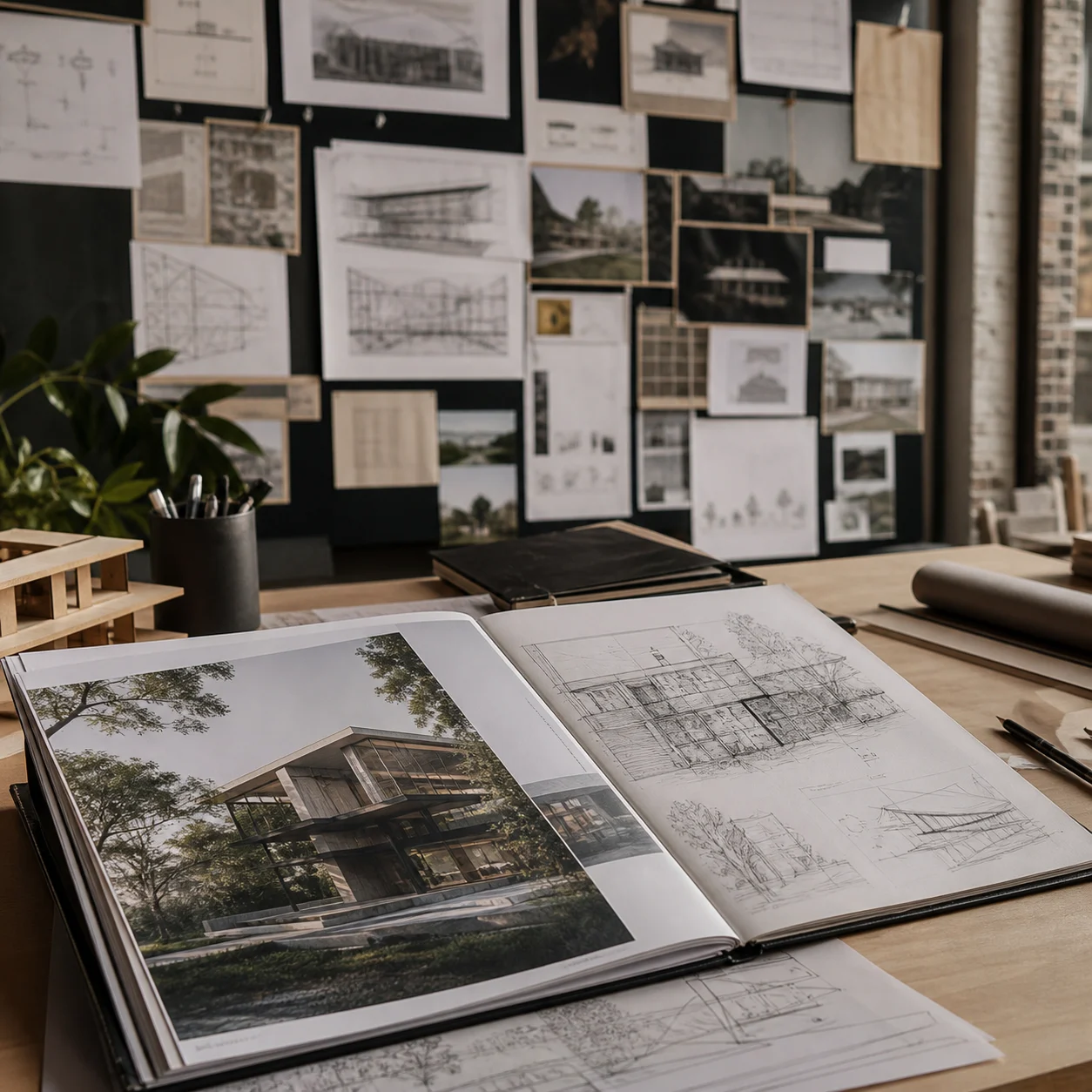
Competition & Portfolio Reels
Give a competition entry or portfolio render some motion for a jury reel, without needing a separate animation background.
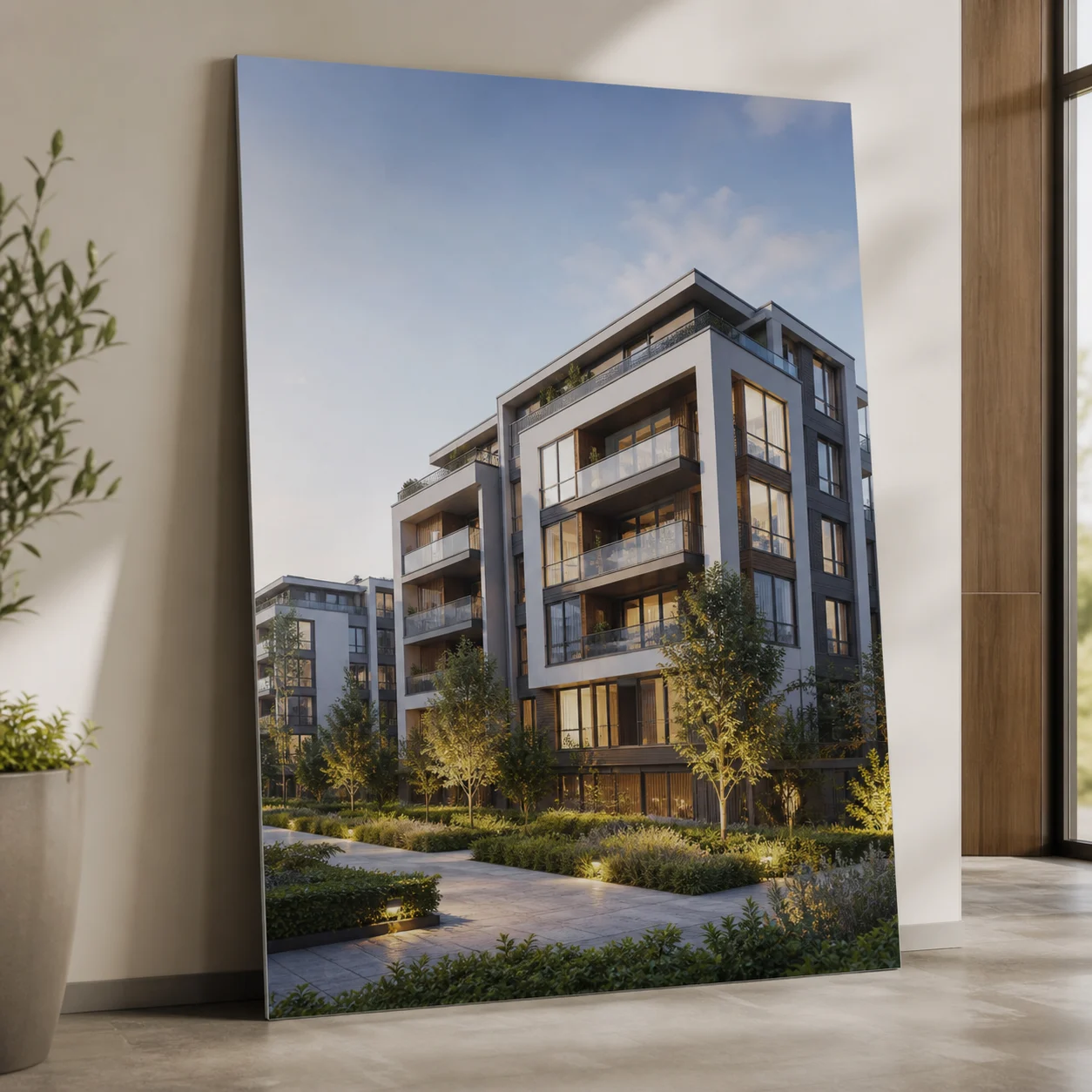
Pre-Sale Marketing
Animate a still exterior render into a video for a pre-sale landing page or social ad, ready before the next marketing push.
AI Render Video Questions

Give Your Render Some Motion
Turn your next architectural render into a walkthrough video before your next client meeting or submission deadline.
✨ 720p export · Transition or Drone mode · From 16 credits