


AI Style Transfer Gallery
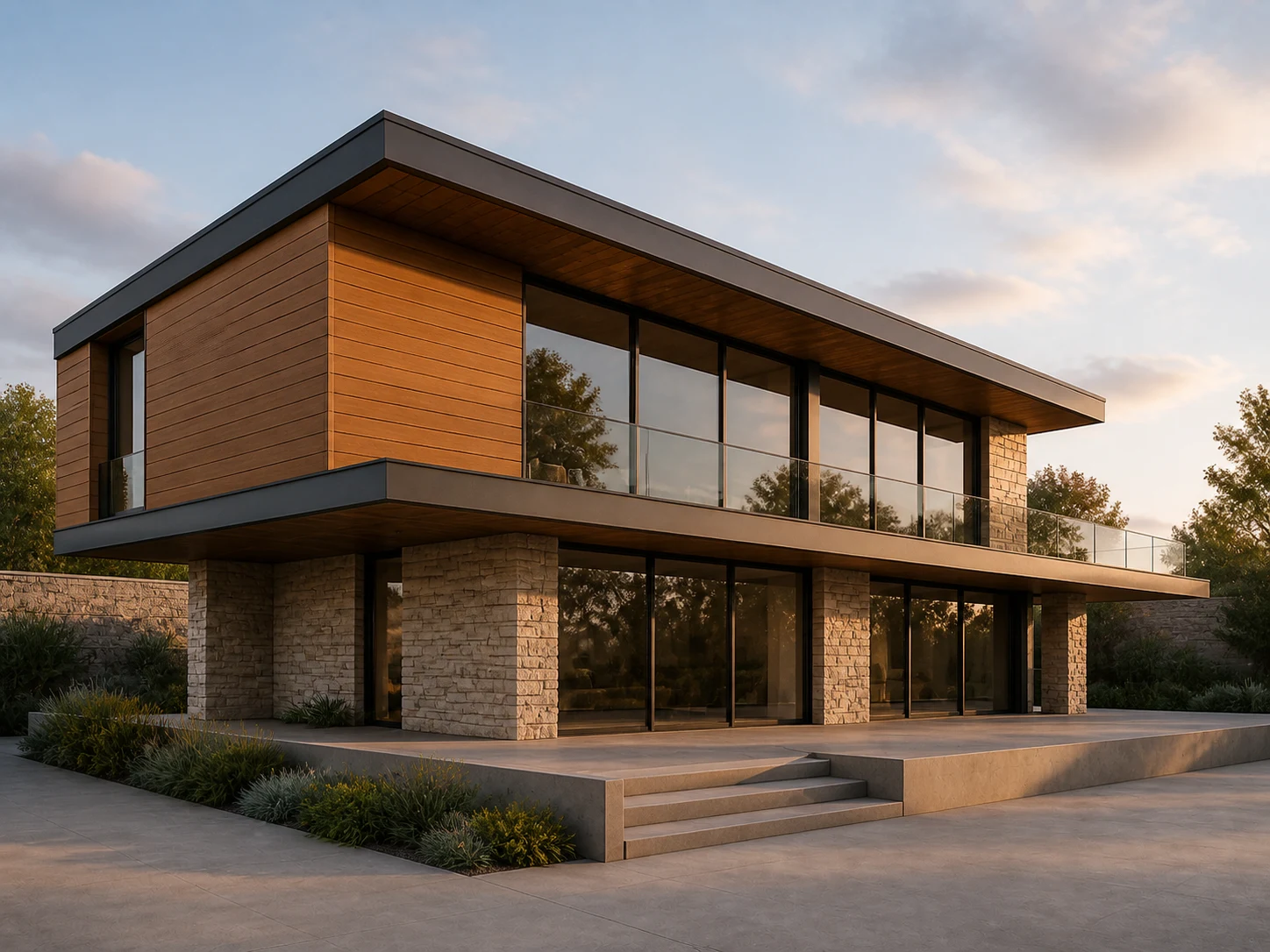
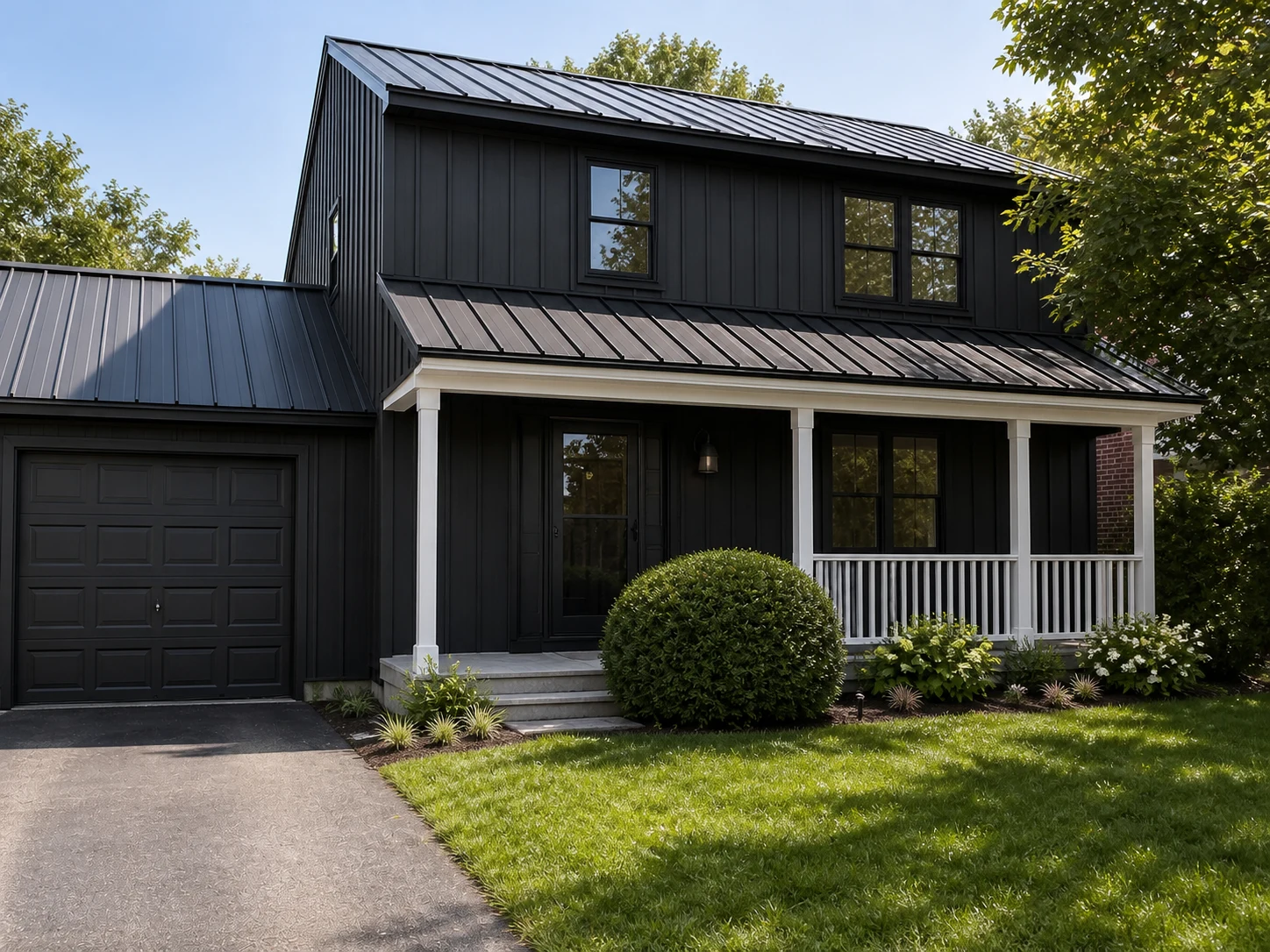
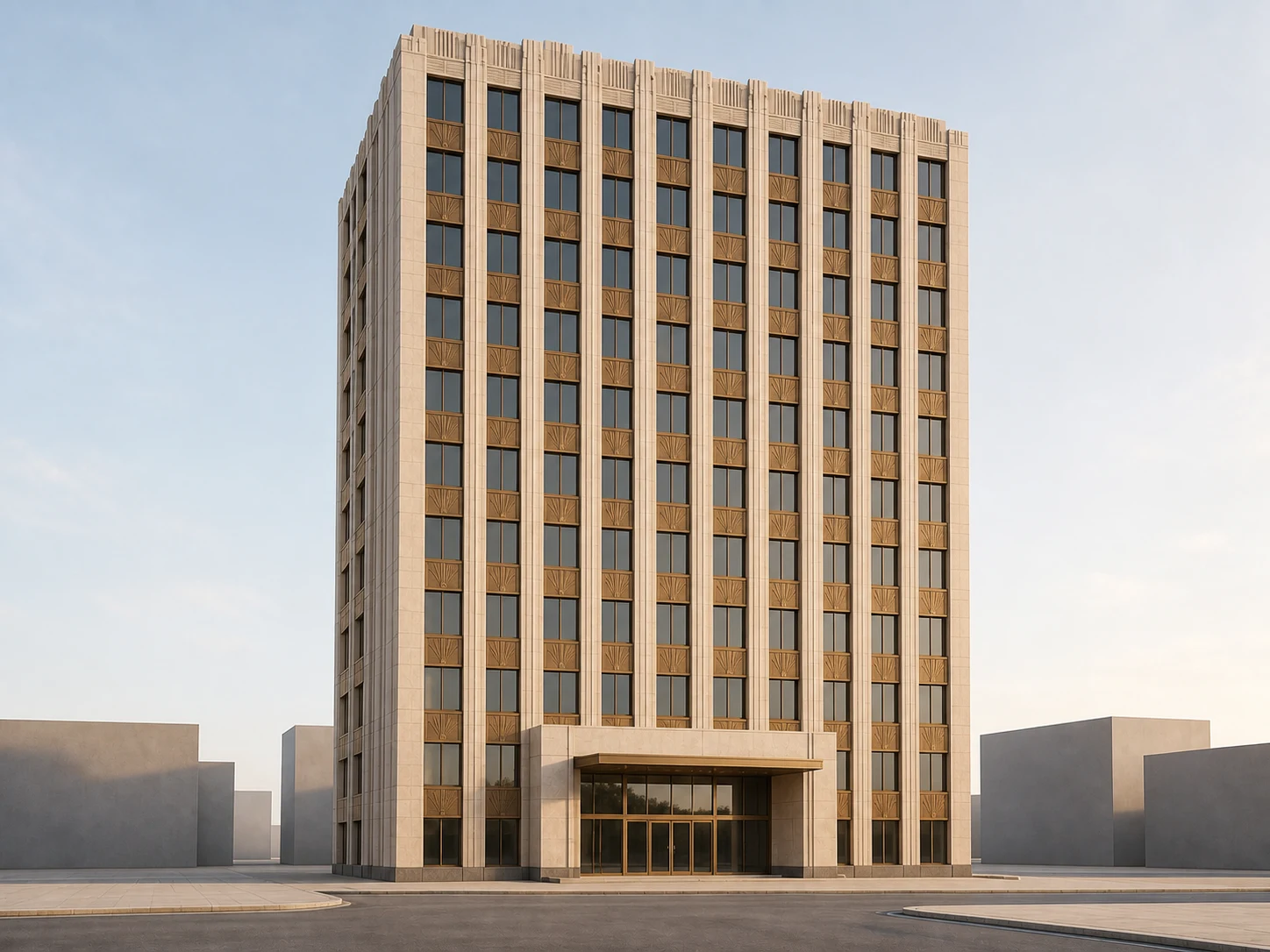
Six buildings, six new styles — a mid-century villa, a farmhouse renovation, an Art Deco tower — each restyled from one reference photo while the underlying massing stays exactly as designed.
How to Use AI Style Transfer on a Building
Three steps from your own design and a reference photo to a fully restyled render — no manual re-modeling, no hand-matching materials.
Upload Your Design
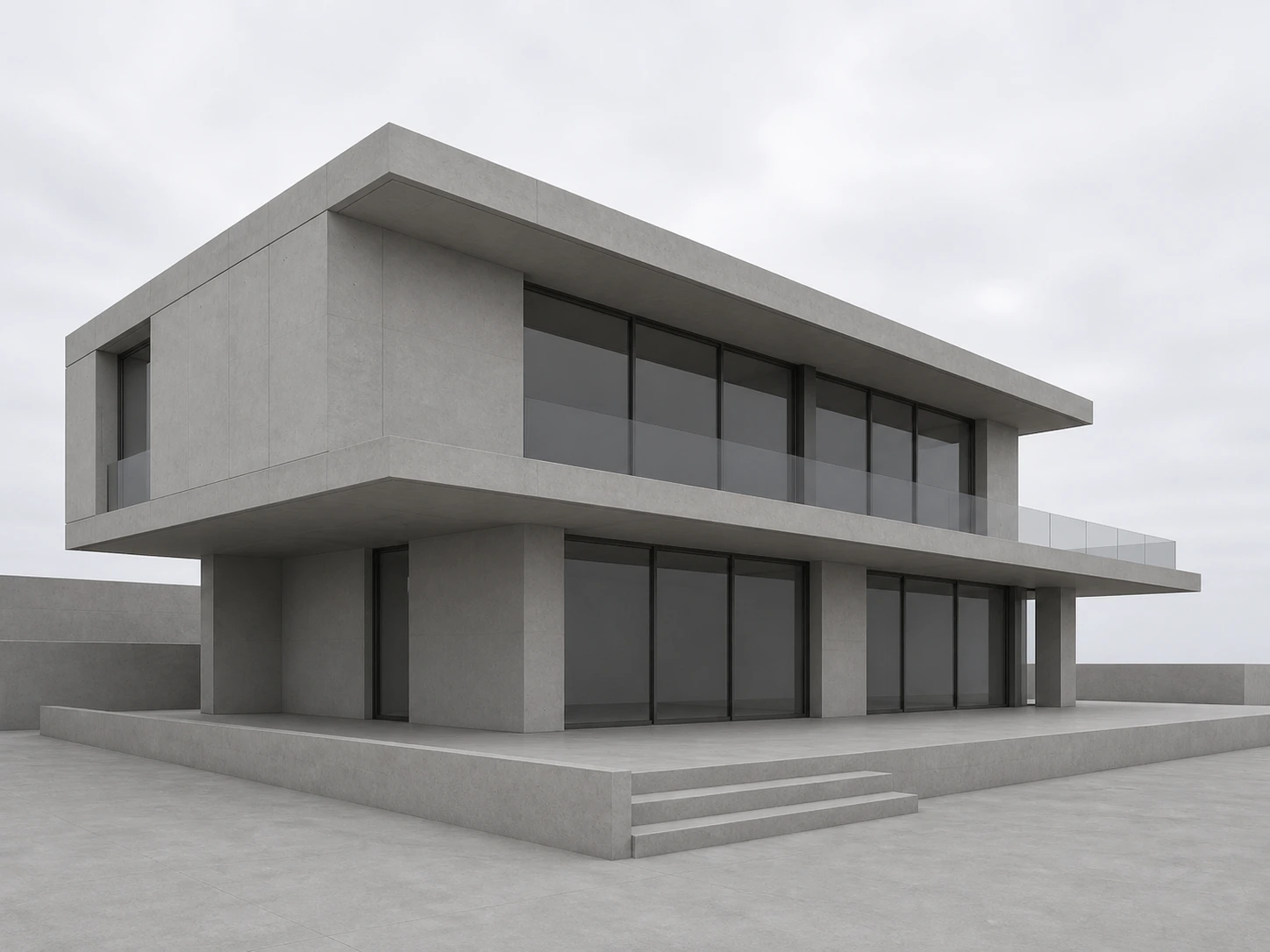
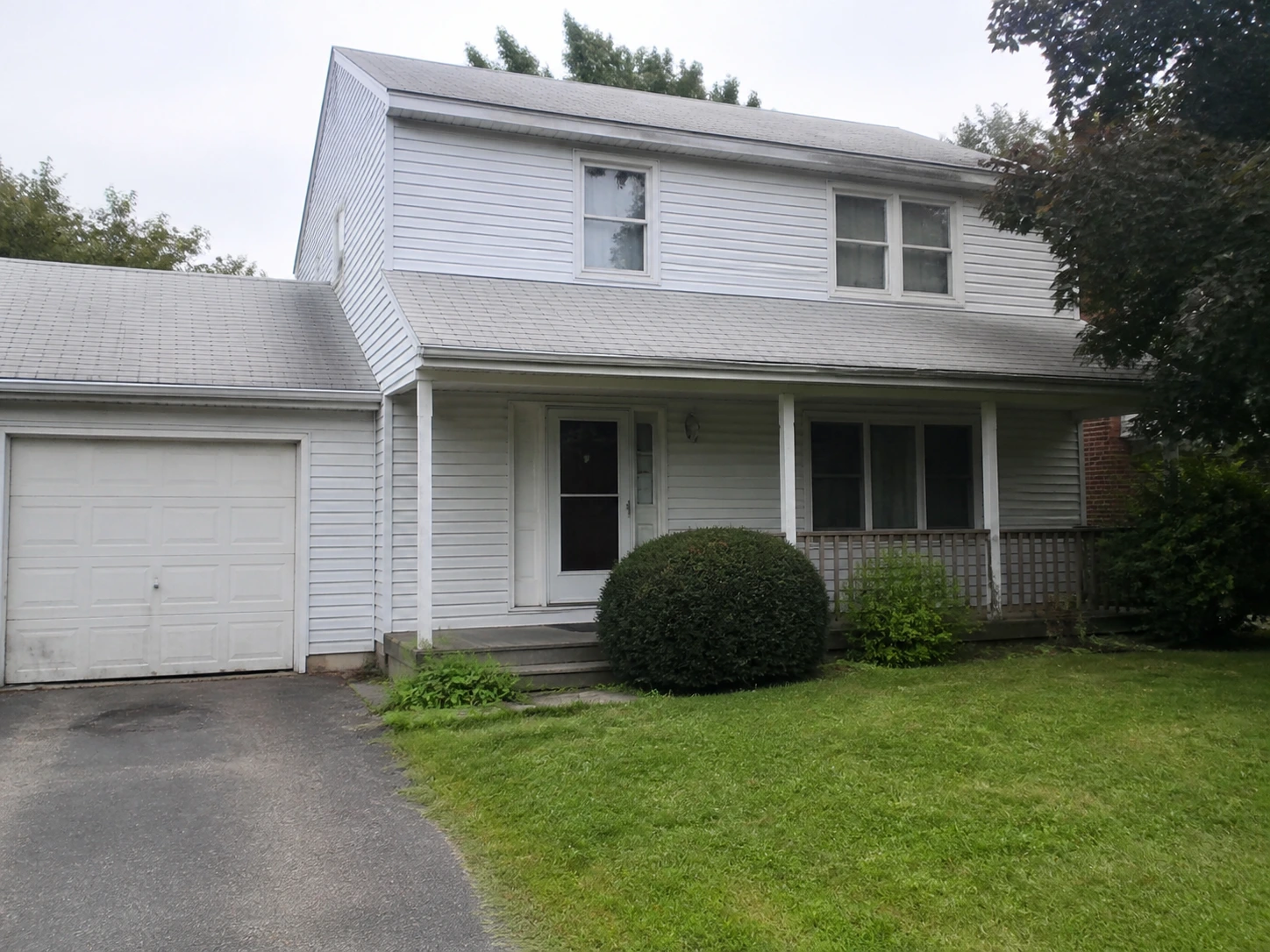
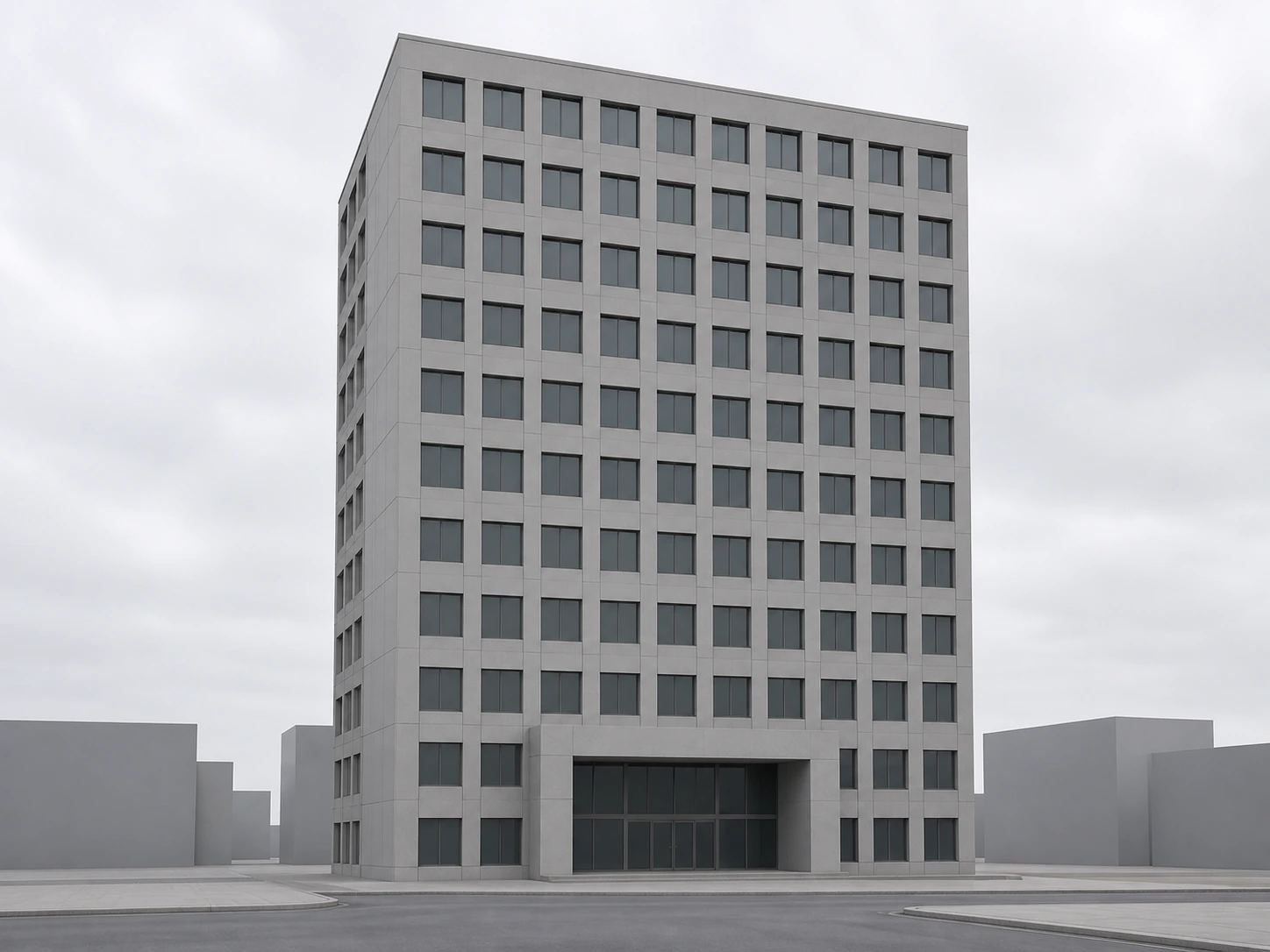
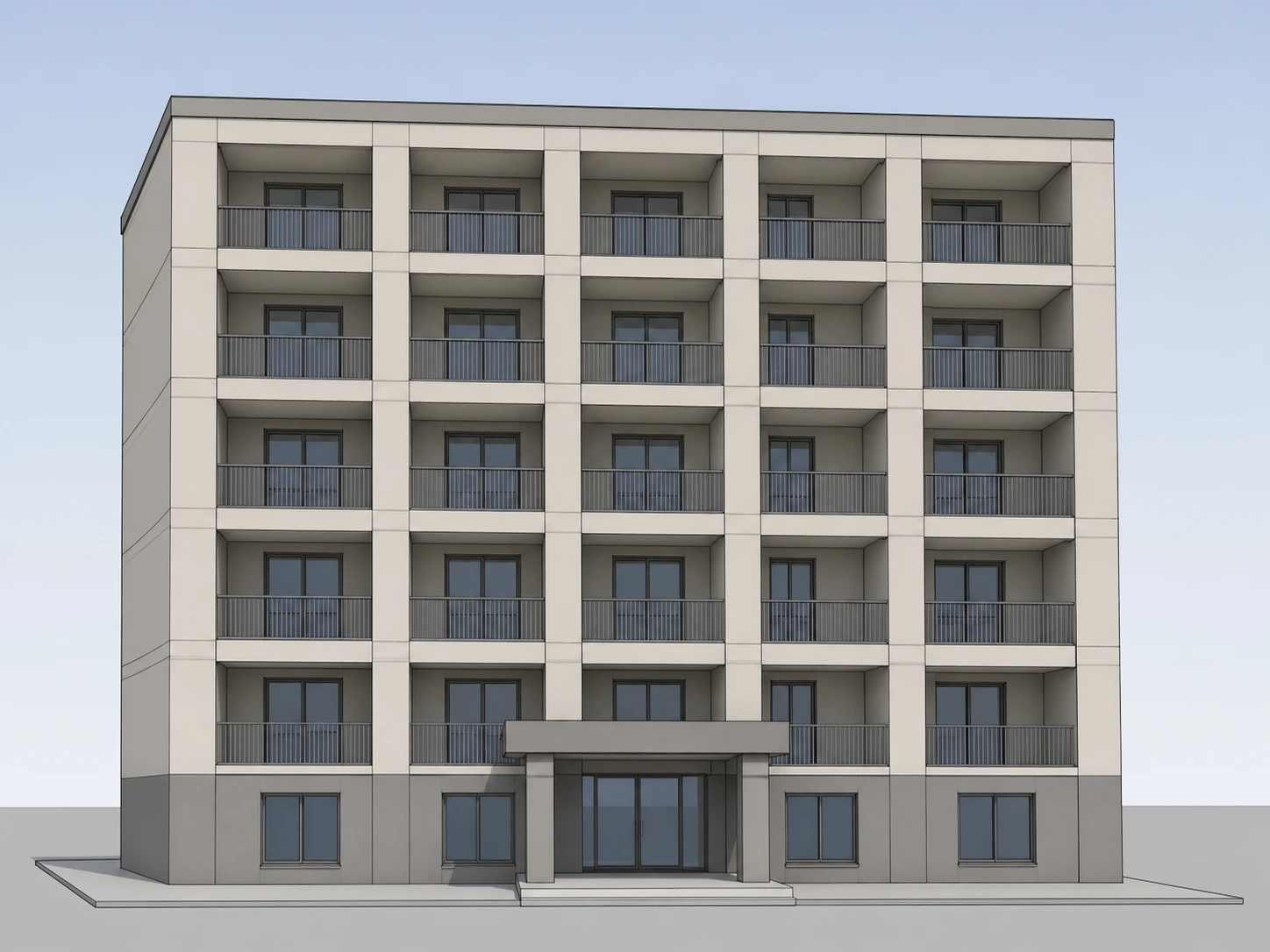
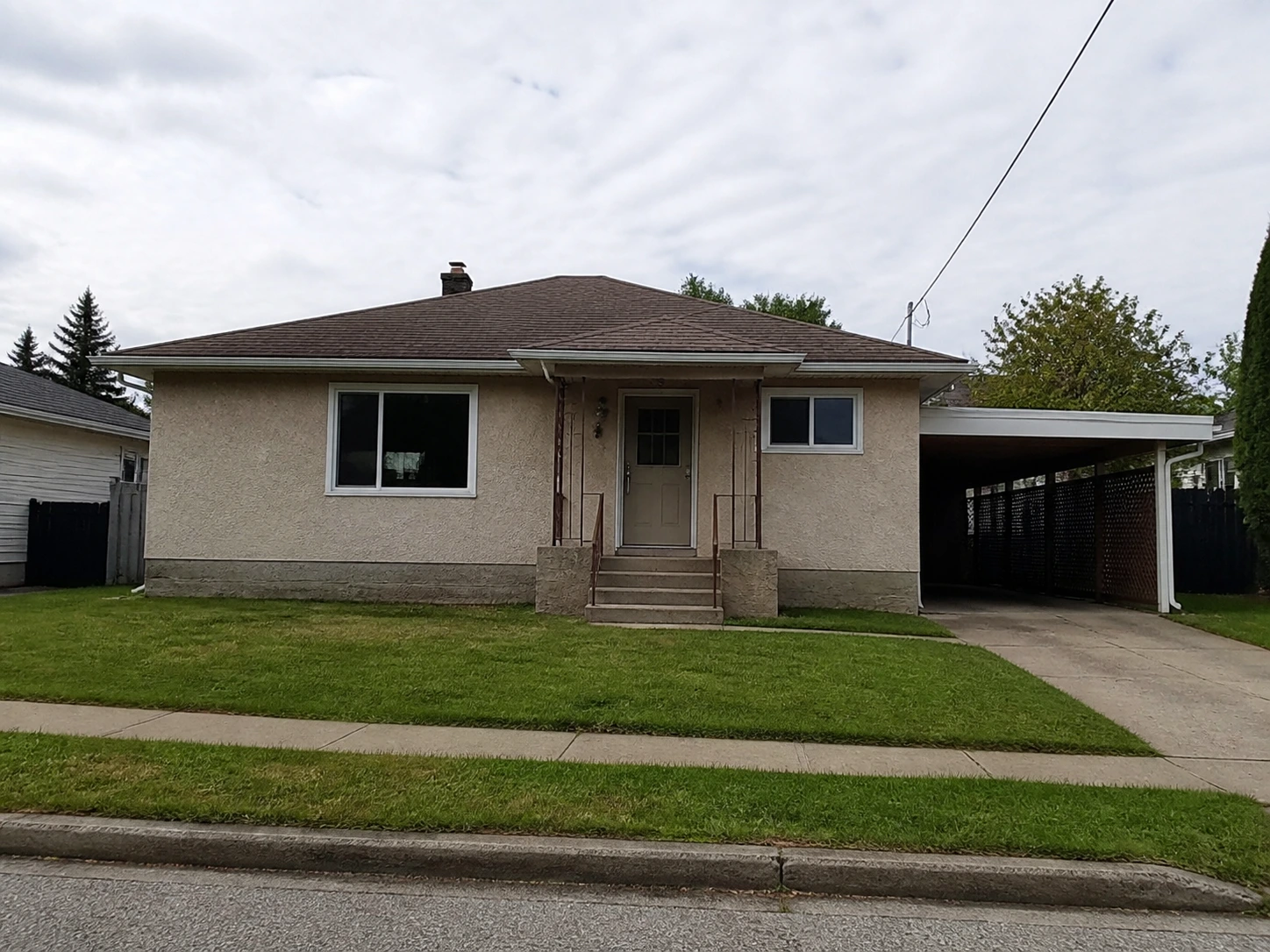
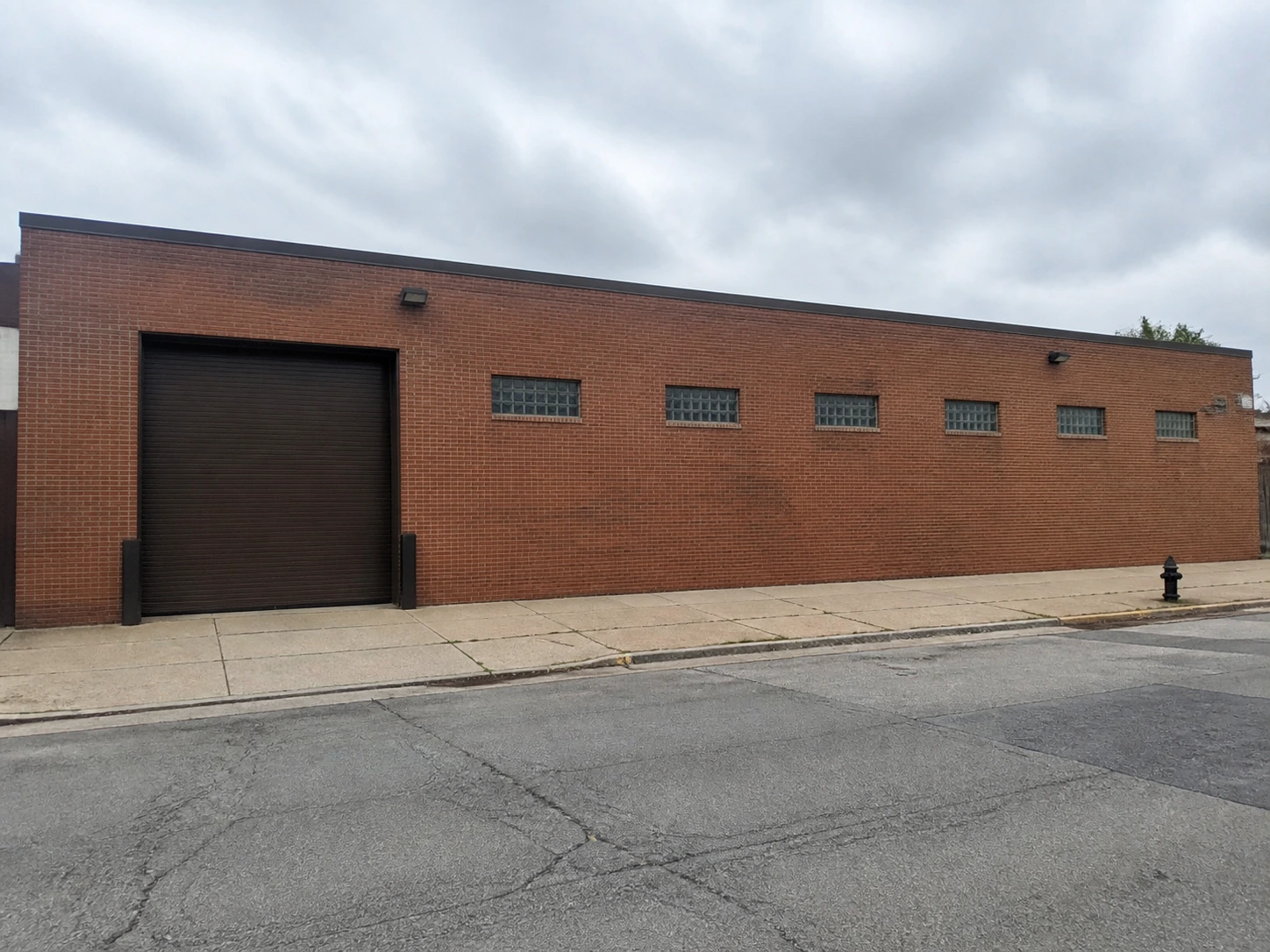
A rendered model, a plain massing study, or a real photo of an existing building — this is the geometry that stays fixed through the whole process.
Upload a Style Reference
Any photo of a building whose material language you want — a mid-century house, a brick warehouse, a stone facade. This step reads materials, not shape.
Download the Restyled Render
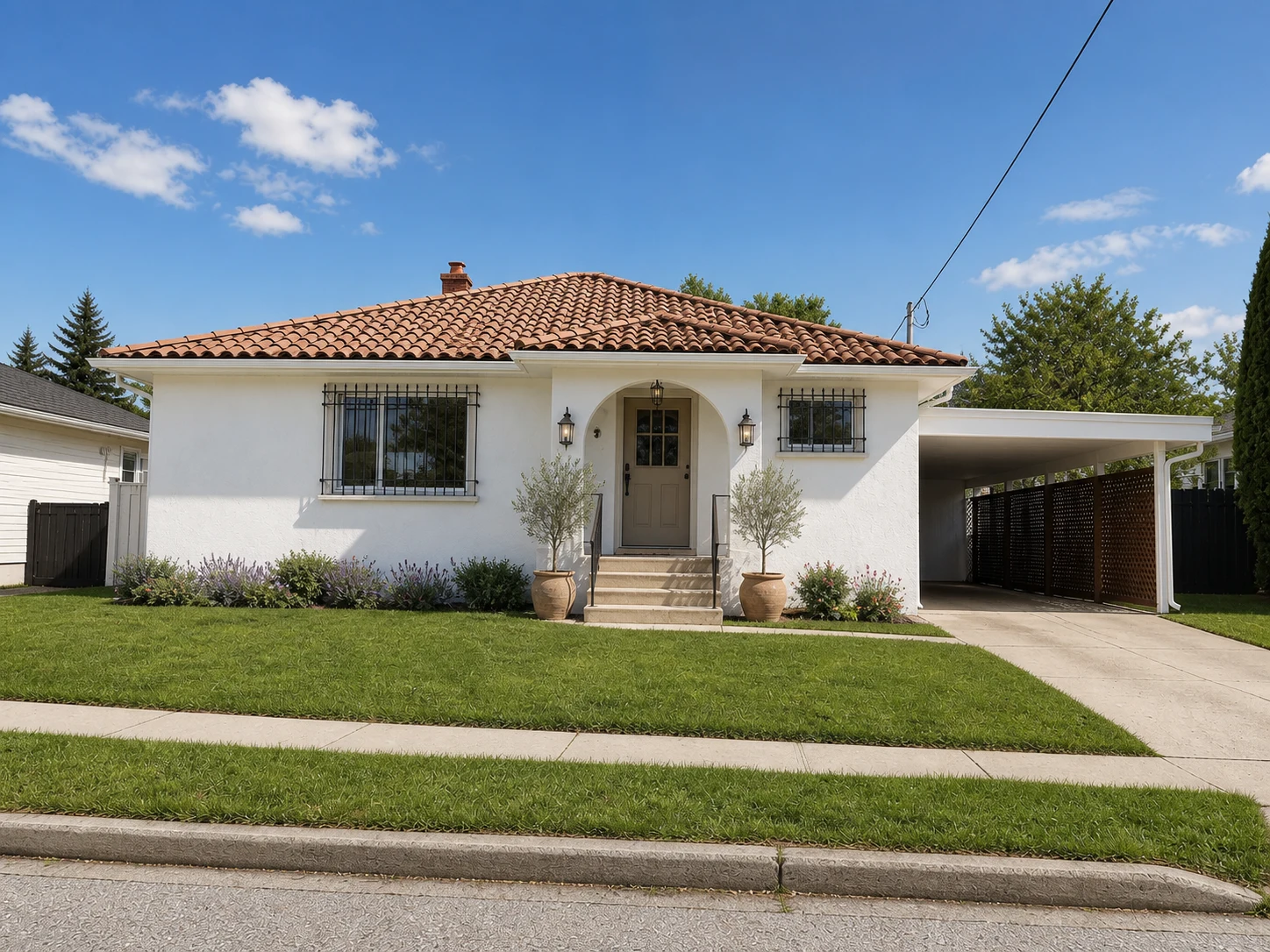
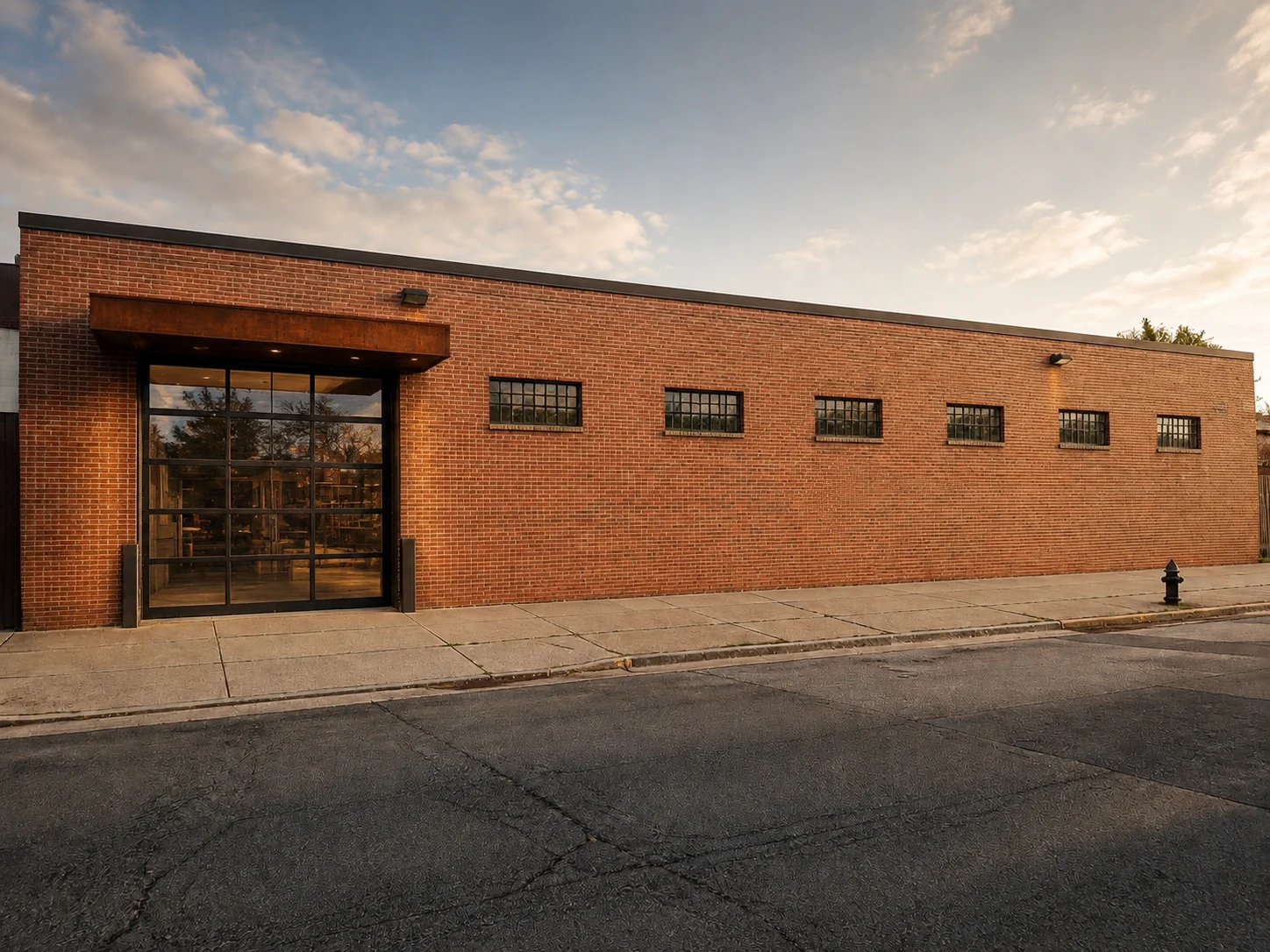
A photorealistic render is ready in under a minute, your original massing intact with the reference's materials and detailing applied on top.
Why Use Our AI Style Transfer Tool
The risk with any style transfer tool is that it reinvents your building along with its surface. Every capability below exists to make sure that never happens here.
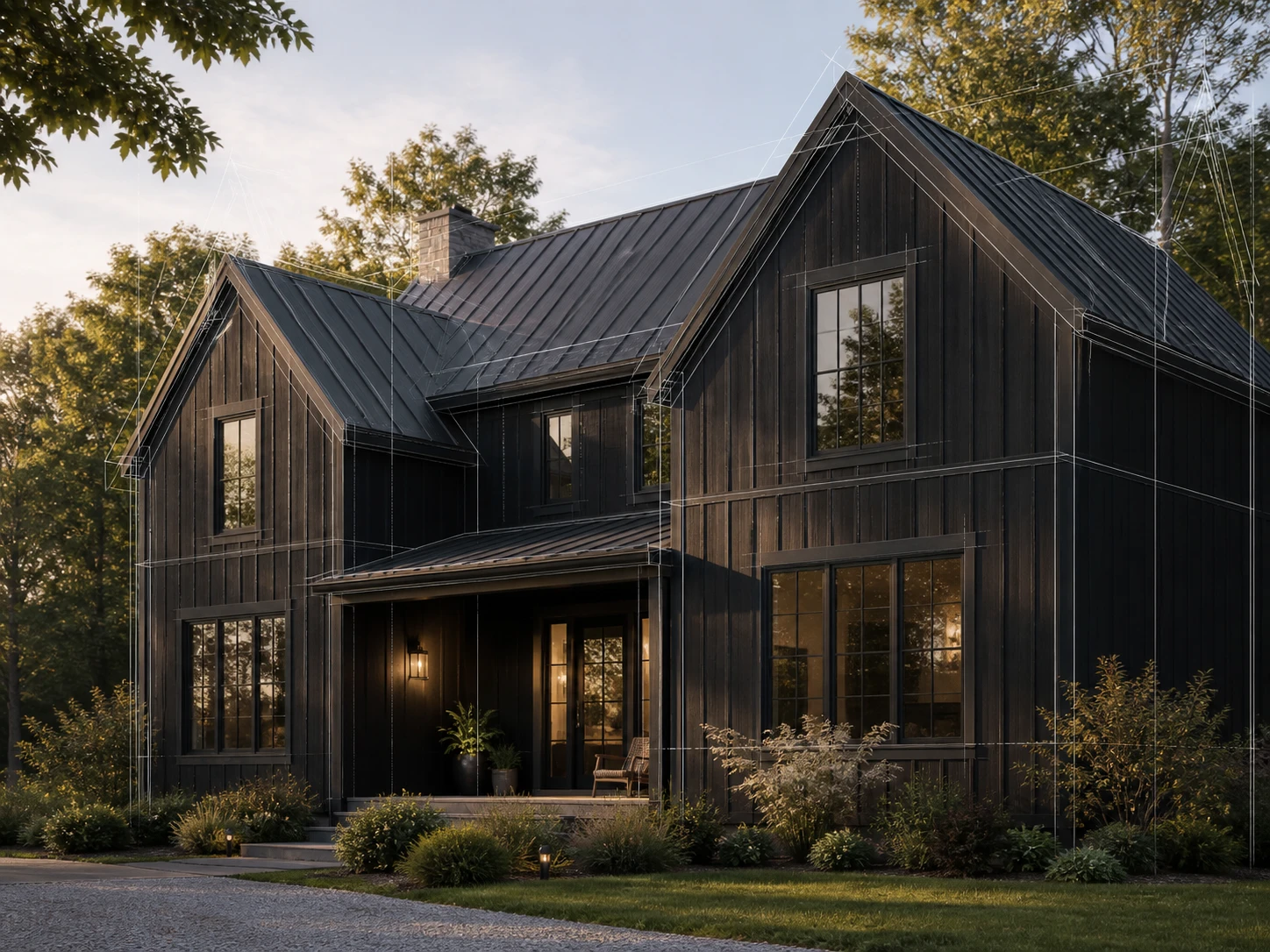
Same Building, New Style
Massing, window positions, and proportions come straight from your uploaded design — this tool only reads materials and detailing from the reference photo, never the reference's shape. A tower stays a tower; it just wears different cladding.
See How It Works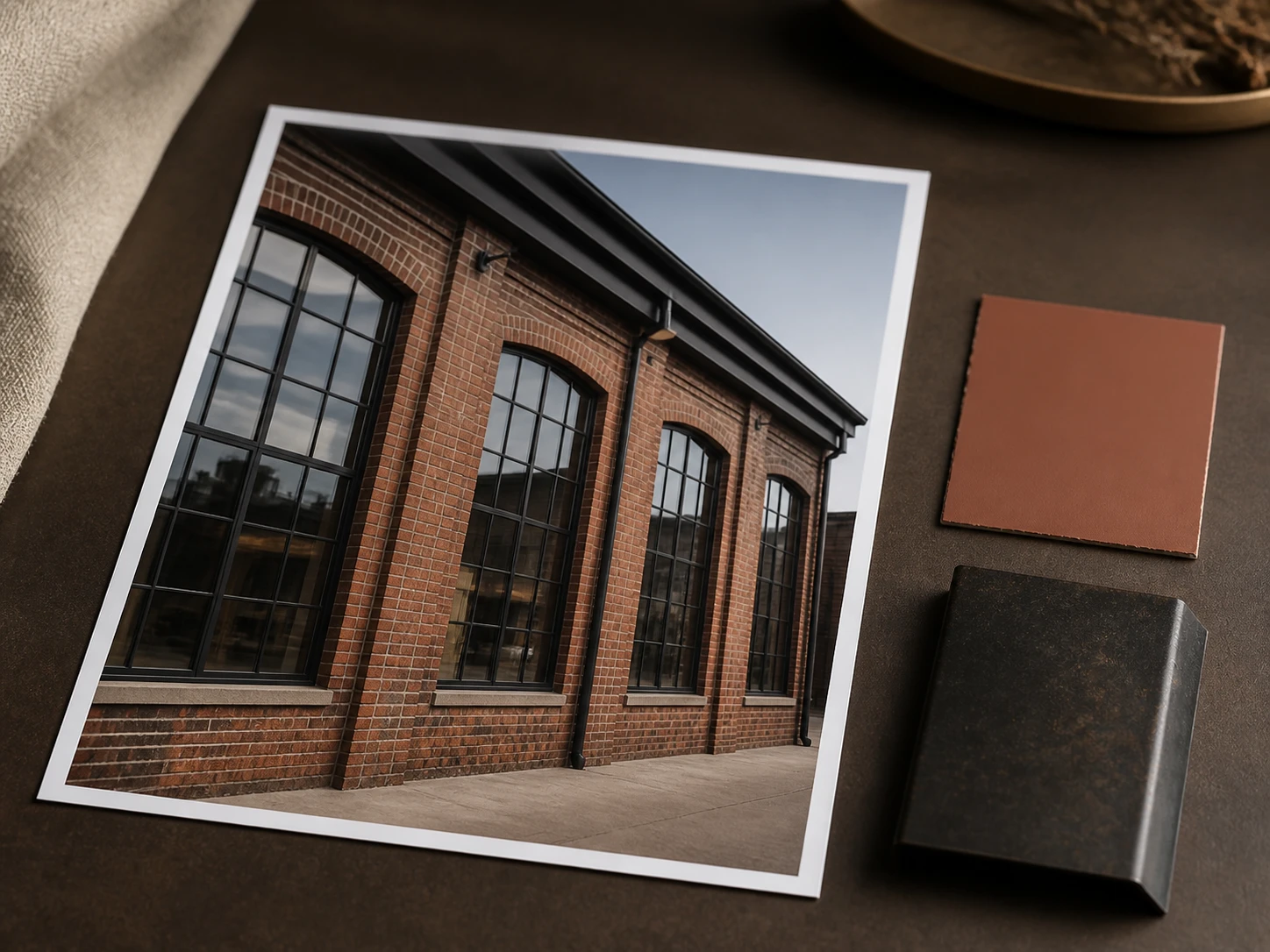
Any Reference Photo Works
Upload a photo of any building whose material language you like — a magazine spread, a competitor's project, a building you passed on a walk. AI image style transfer doesn't need a matching building type to pull a convincing material palette.
Browse Examples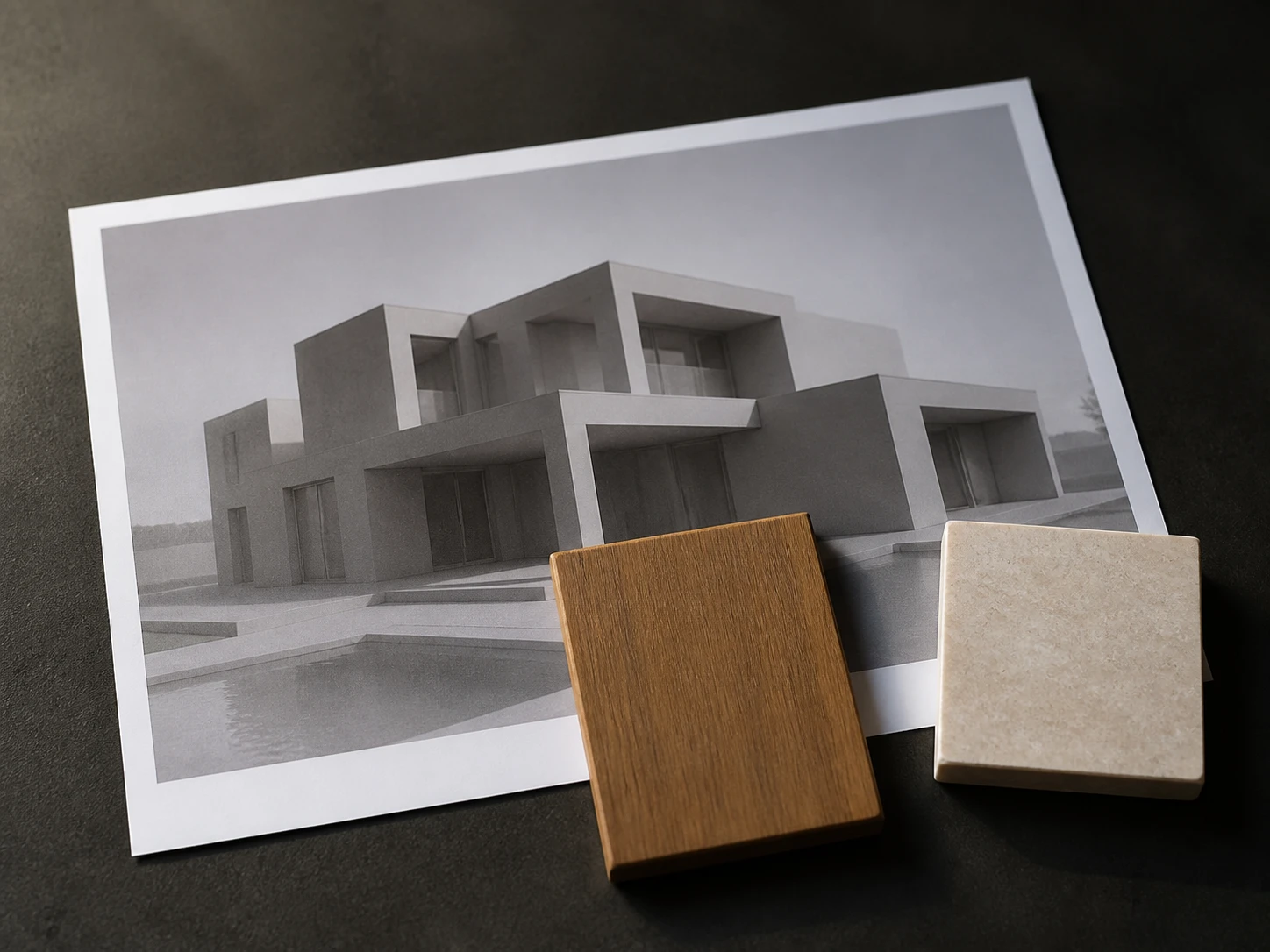
Compare Styles Side by Side
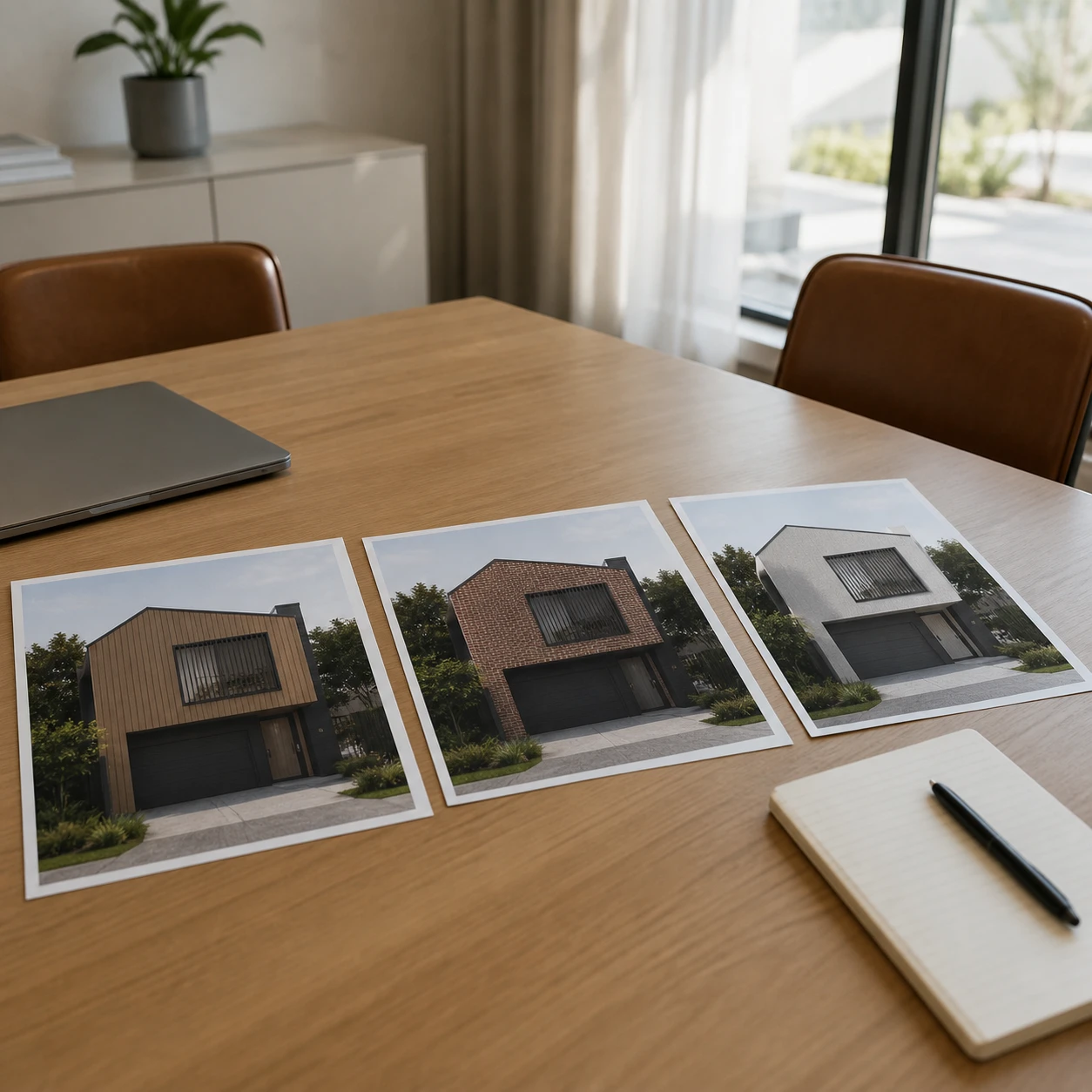
Run the same design against two or three reference photos and put the results next to each other before picking a direction for a client. All three come from one uploaded design.
Compare Styles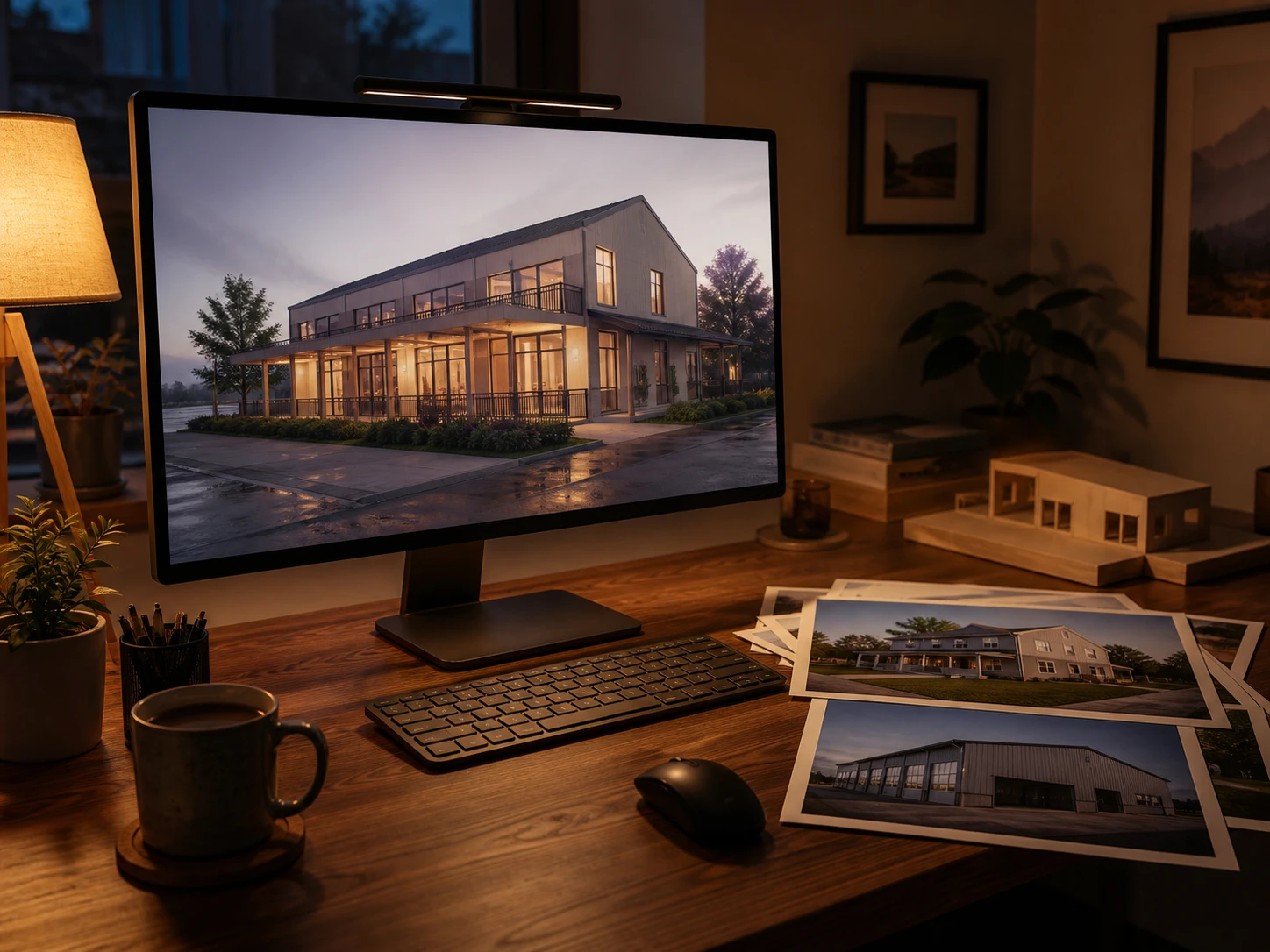
Works From a Render or a Real Photo
Your design input can be a finished render, a plain massing study, or a real photo of an existing building being restyled for a renovation. No dedicated file format required.
Try Your File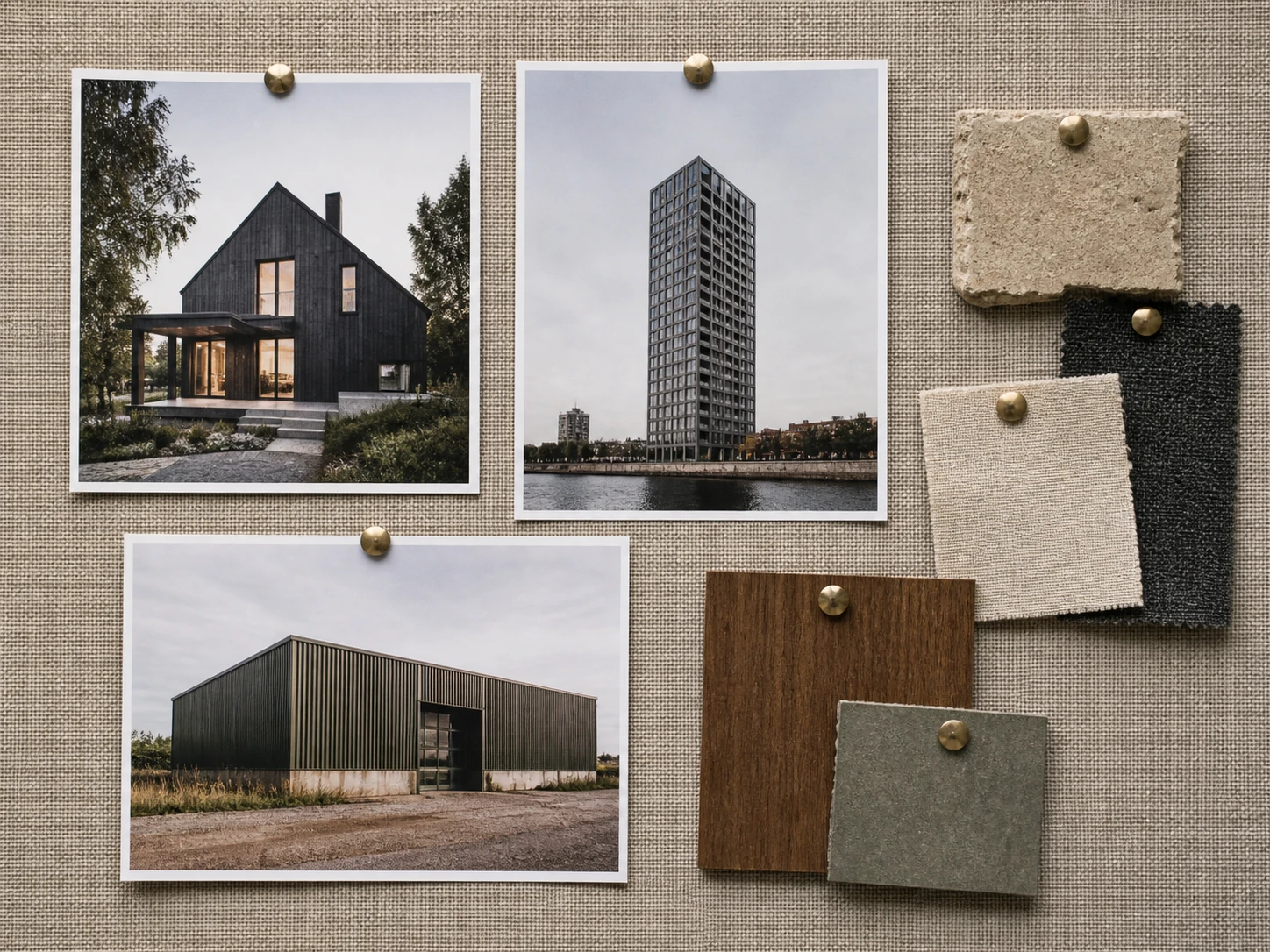
Style Transfer for Any Building Type
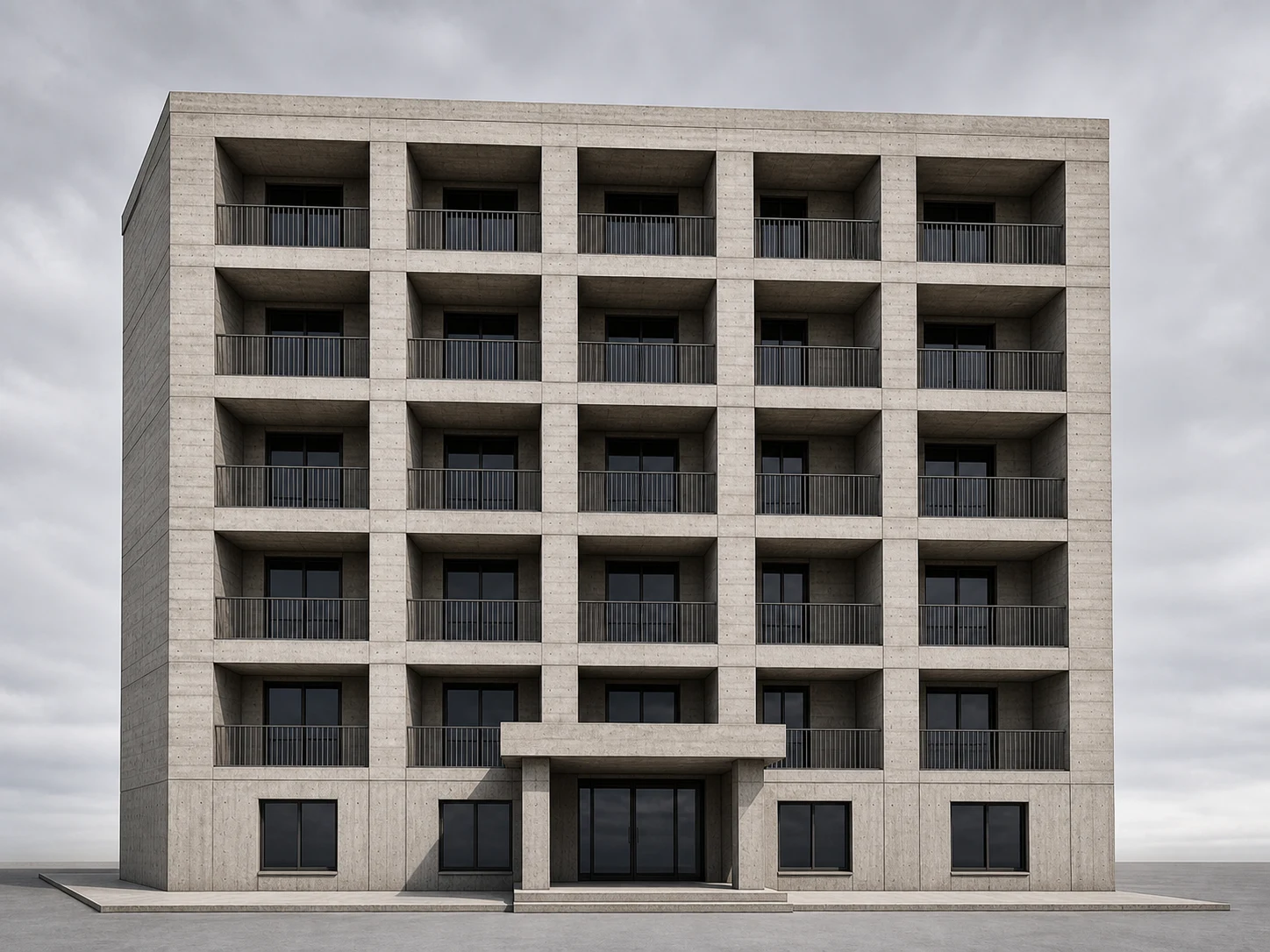
Houses, towers, warehouses, and apartment blocks all restyle the same way — upload the design, upload the reference, and every building type keeps its own proportions at the same few minutes per building.
Try Any BuildingWhat AI Style Transfer Is Used For
Independent architects, developers, and students who need to explore a material direction fast, without remodeling anything — three real scenarios below.
Client Pitch Decks
Turn one massing model into three facade directions — timber, brick, and render — each pulled from a real reference photo, ready to drop into tomorrow's pitch deck.
Facade Material Testing
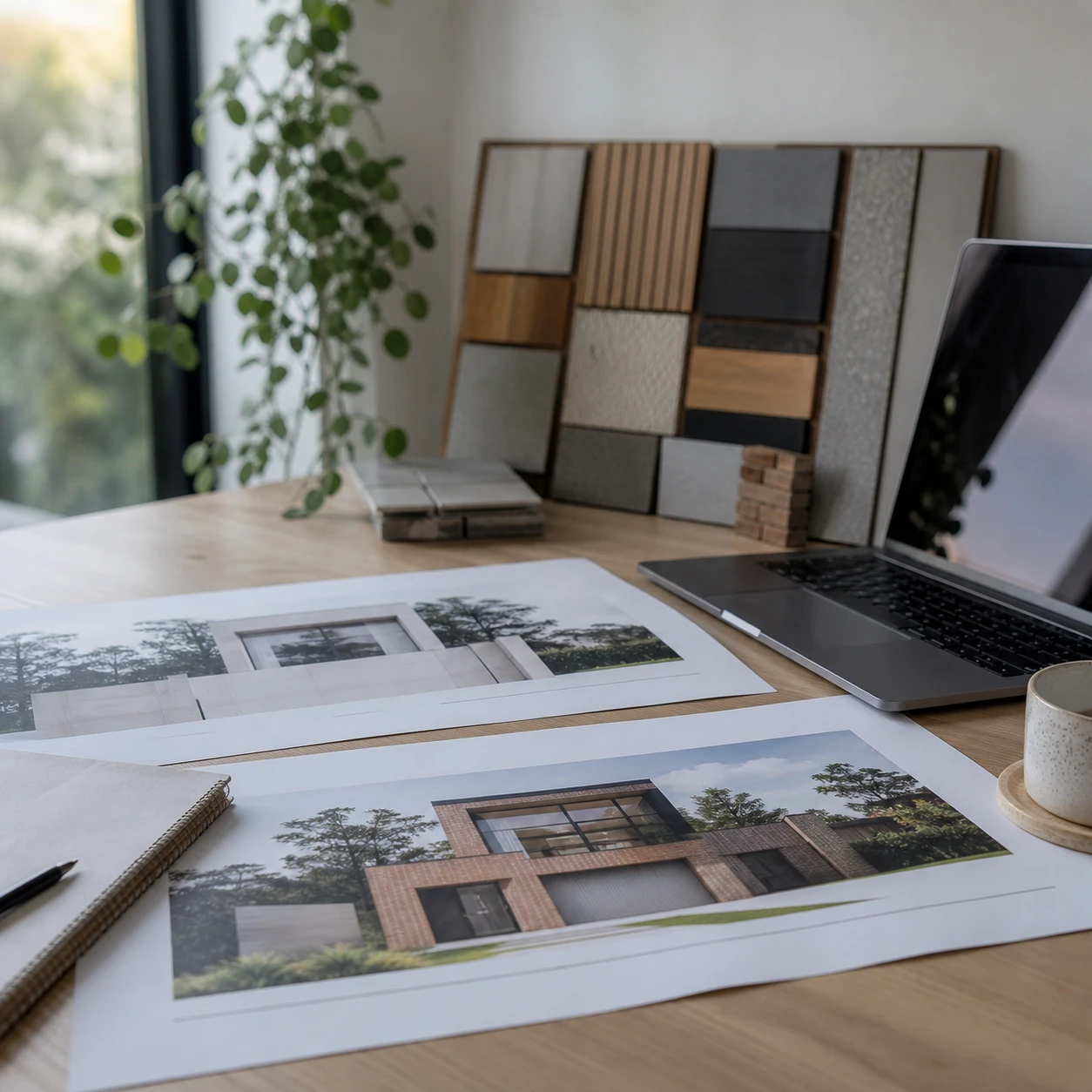
Try a brick, a render, and a timber-clad version of the same unit mix side by side before committing a materials budget to one direction.
Precedent-Driven Design Studies
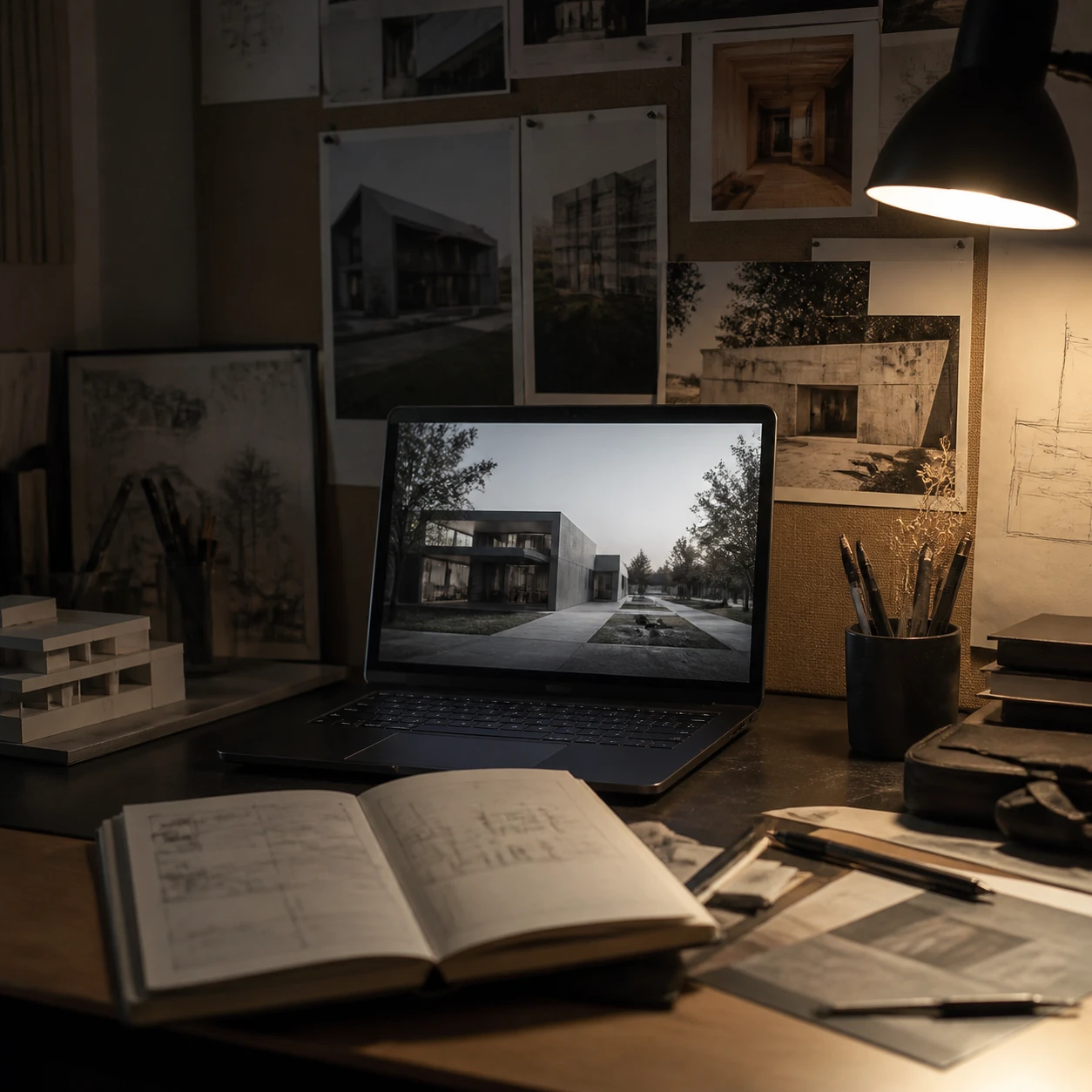
Pull the material language from a precedent building you admire and test it on your own design — a fast way to explore a direction before modeling it by hand for a crit or competition board.
AI Style Transfer Questions, Answered

Try AI Style Transfer on Your Next Design
Upload your design and a reference photo and get a restyled render back in under a minute.
✨ Free credits to start · Any reference photo works · Same shape, new style