


AI Landscape Render Gallery
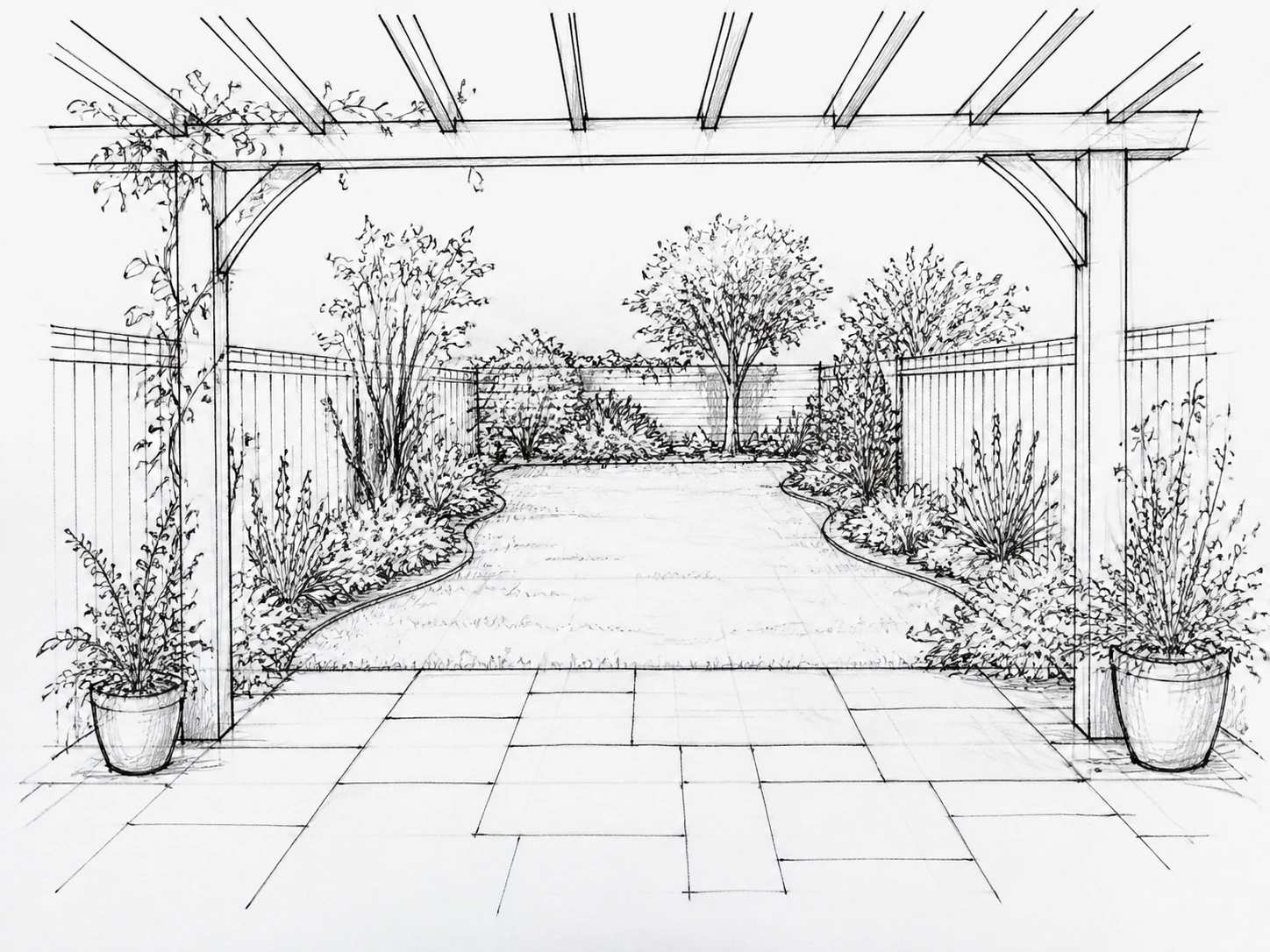
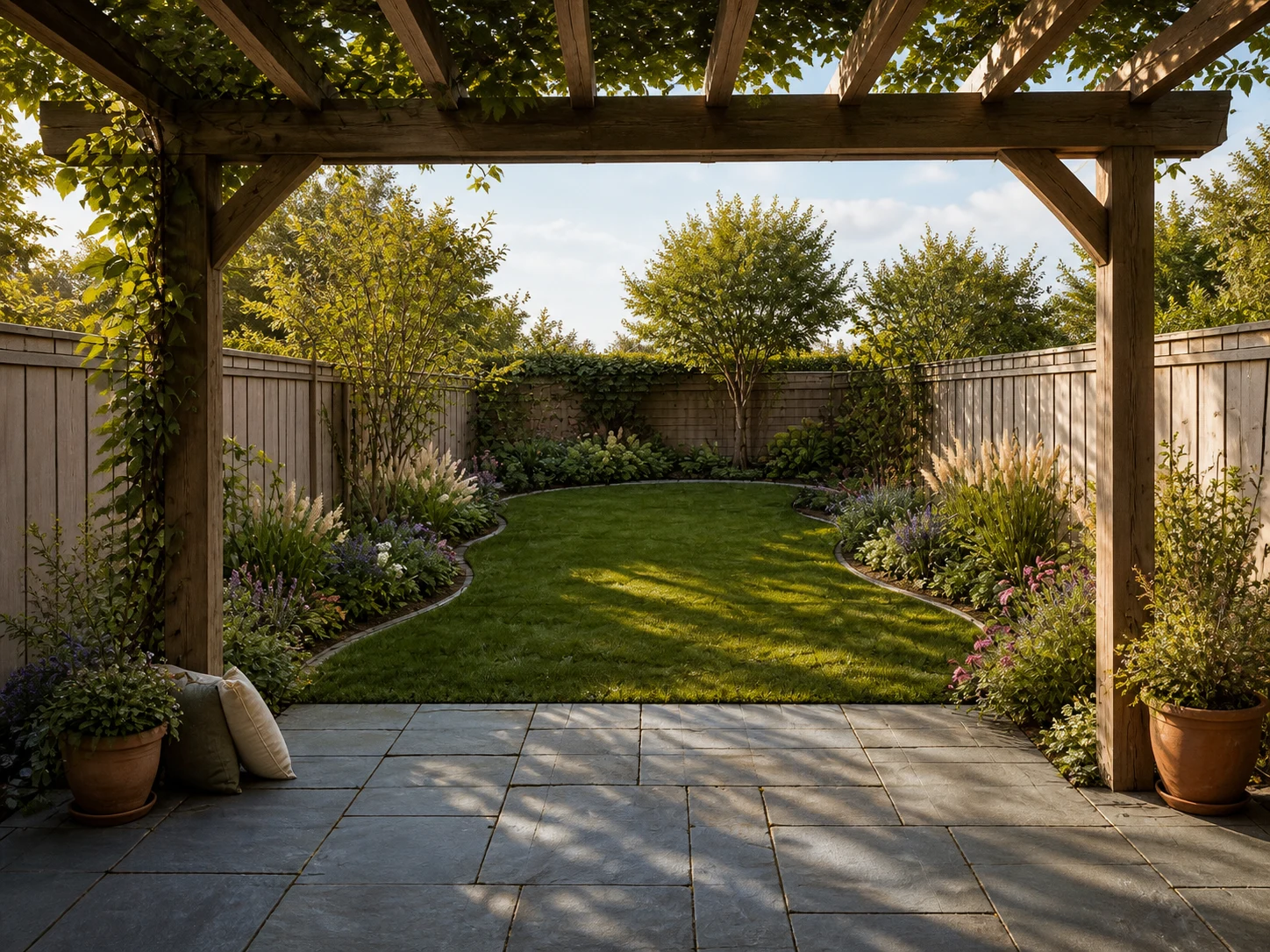
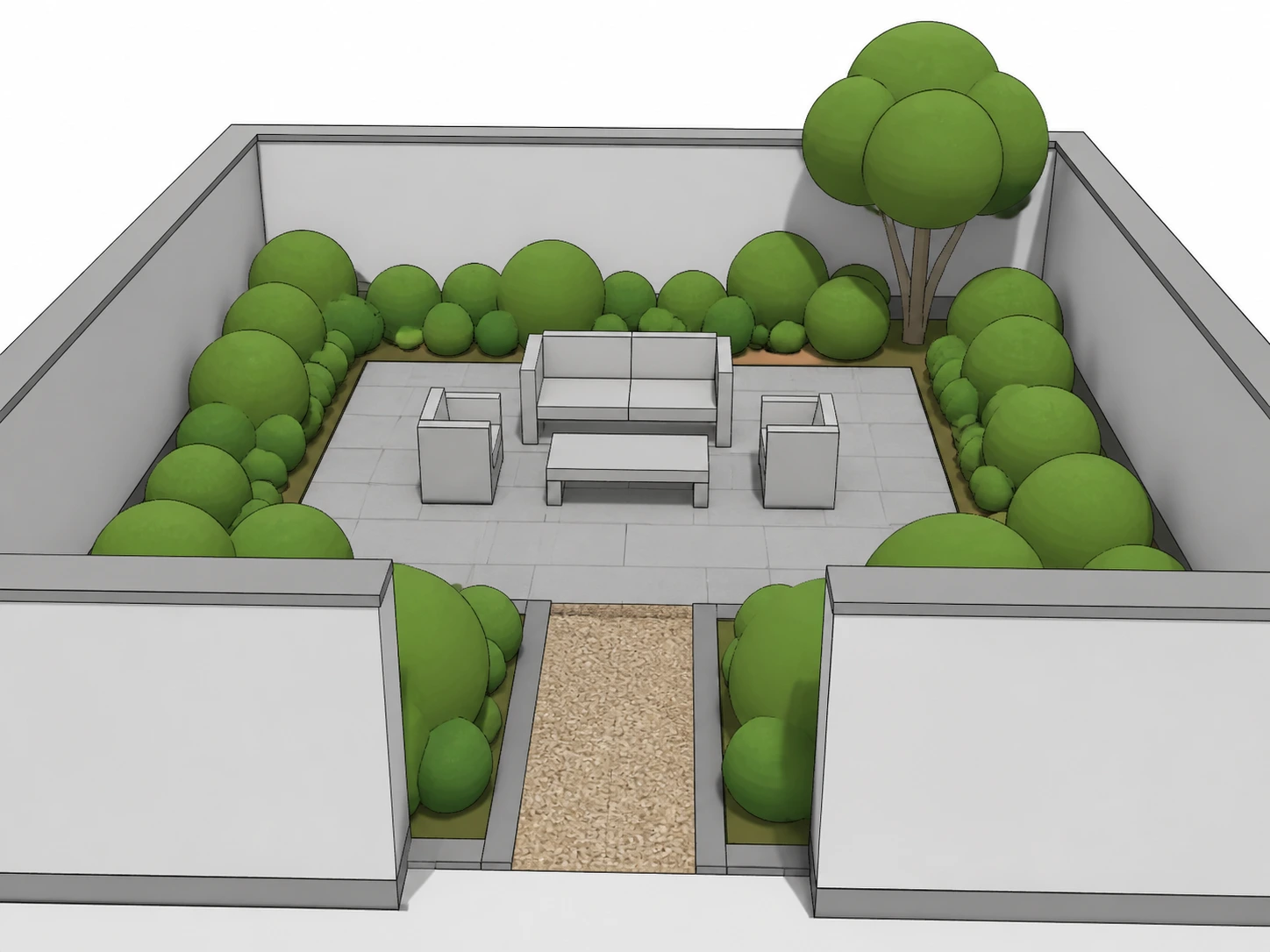
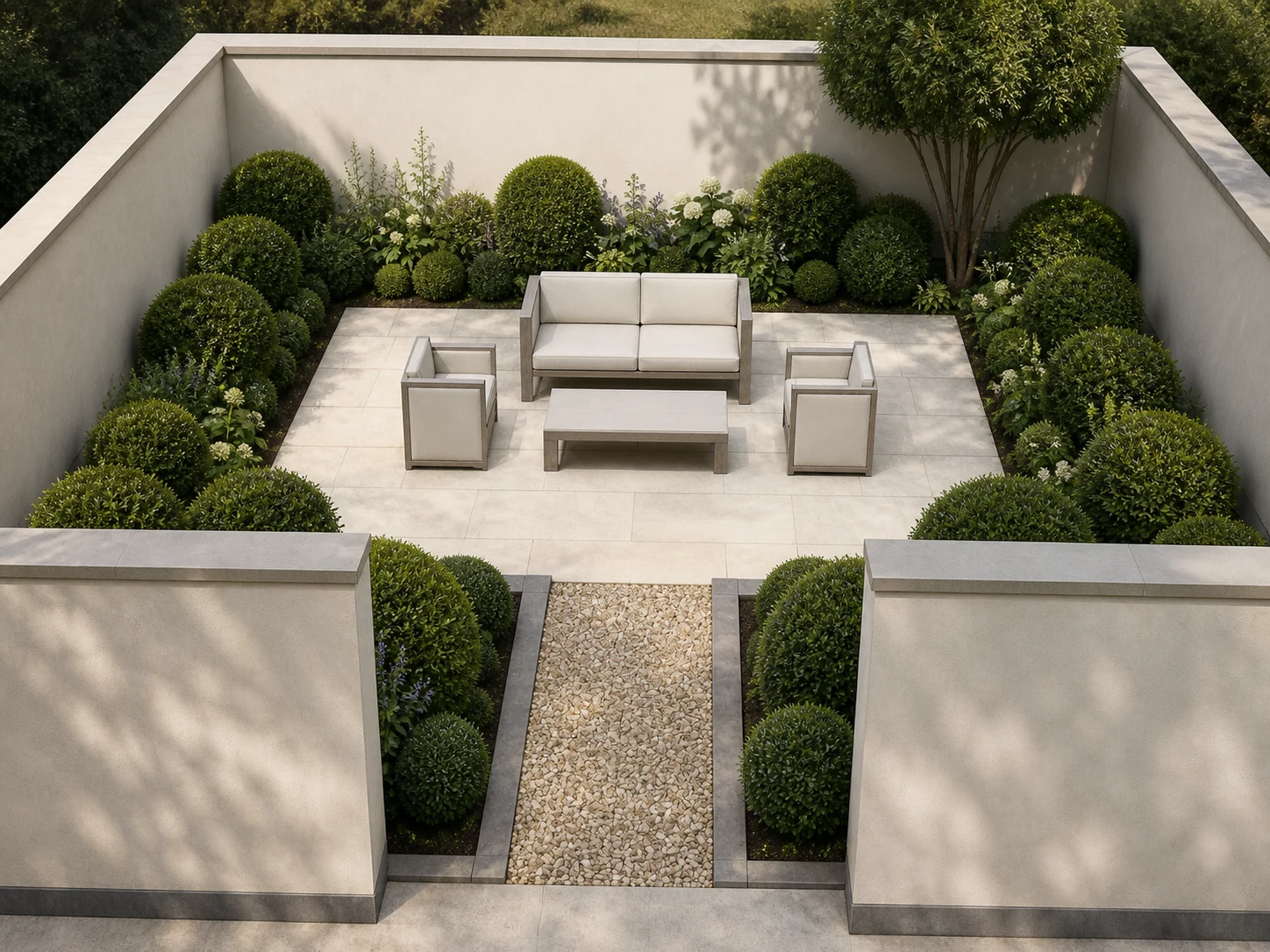
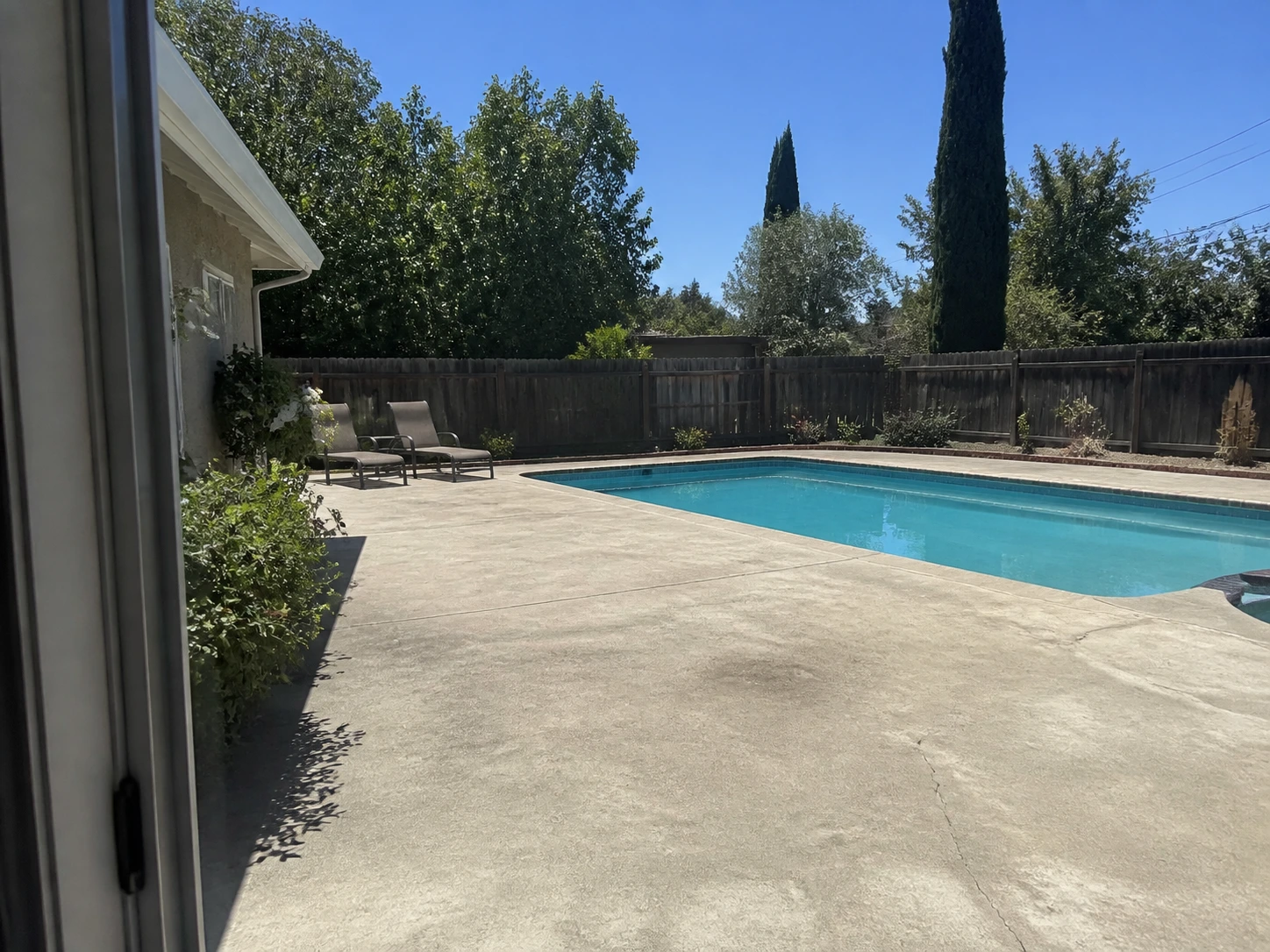
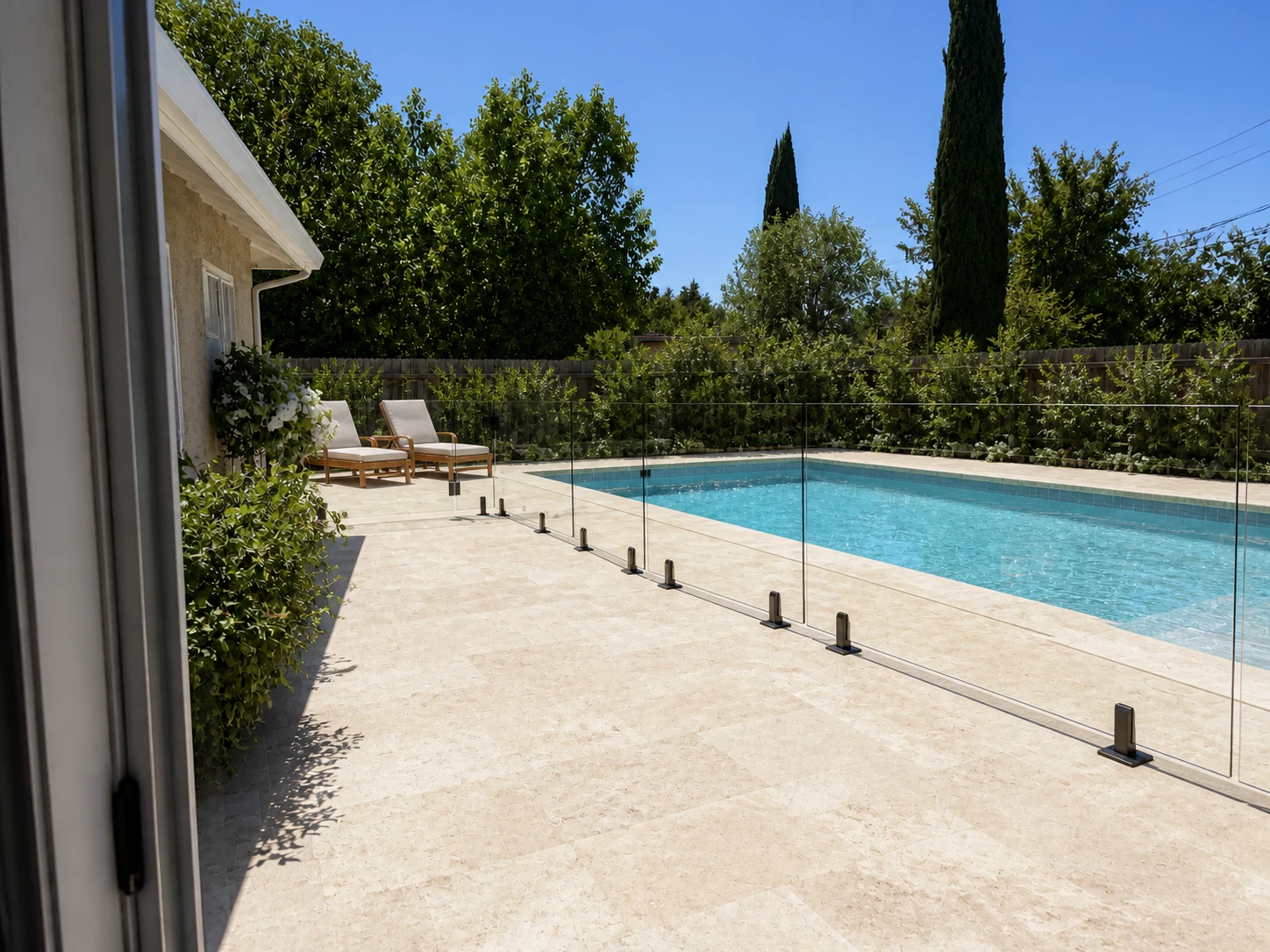
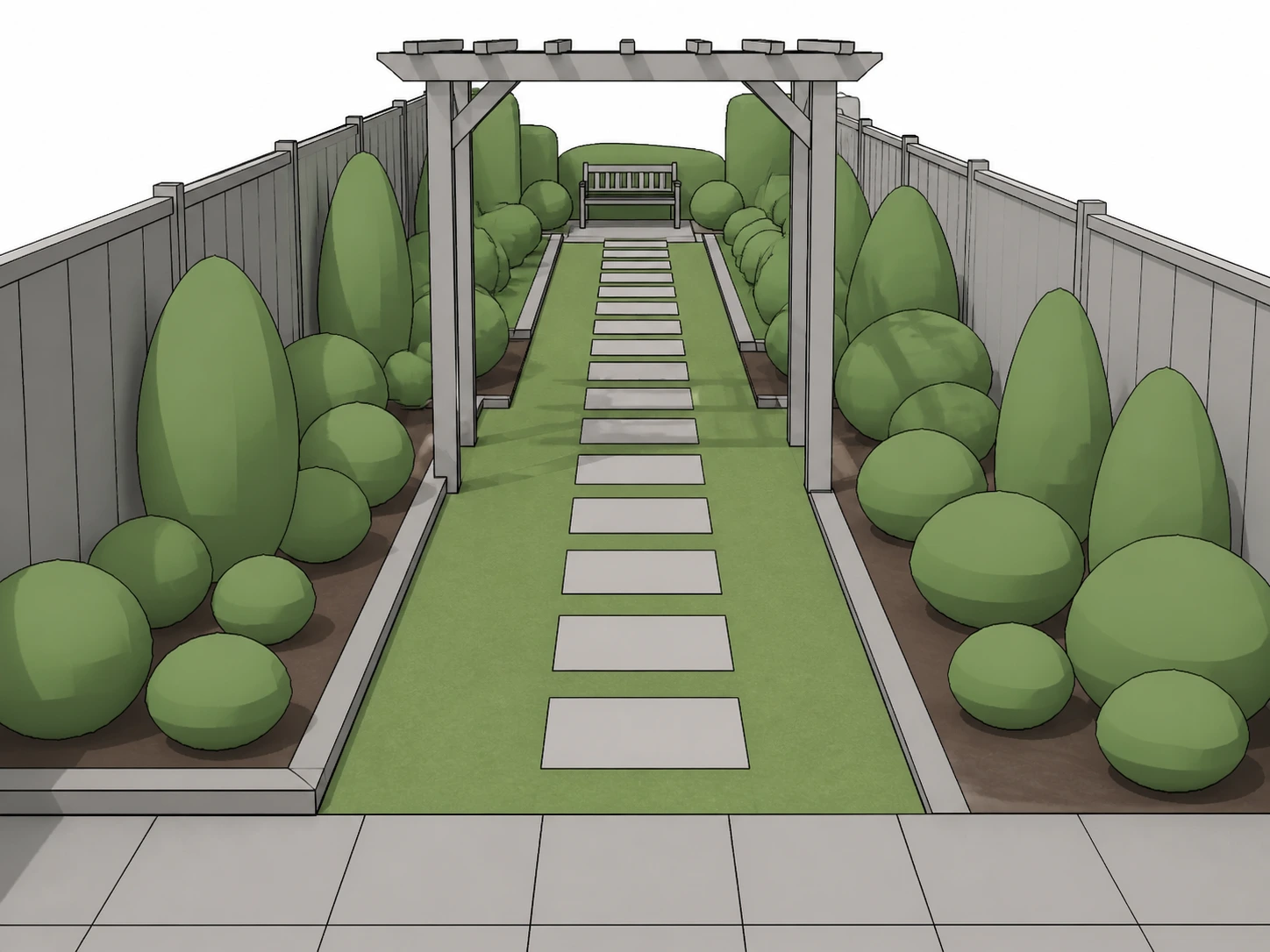
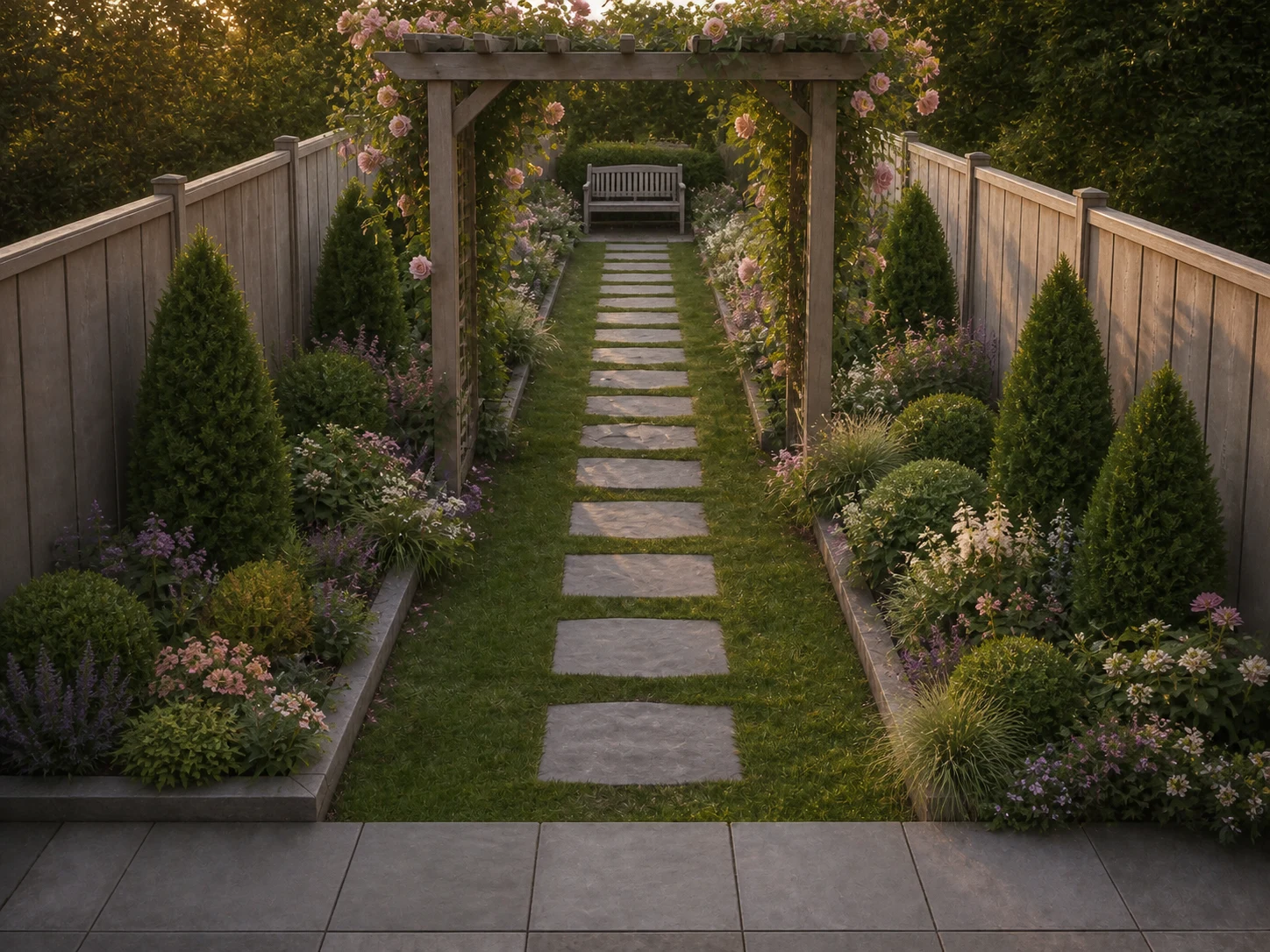
No two of these started the same way — a sketch, a site plan, a grading wireframe, a phone photo — but every render below keeps its planting and hardscape looking like a real, finished yard.
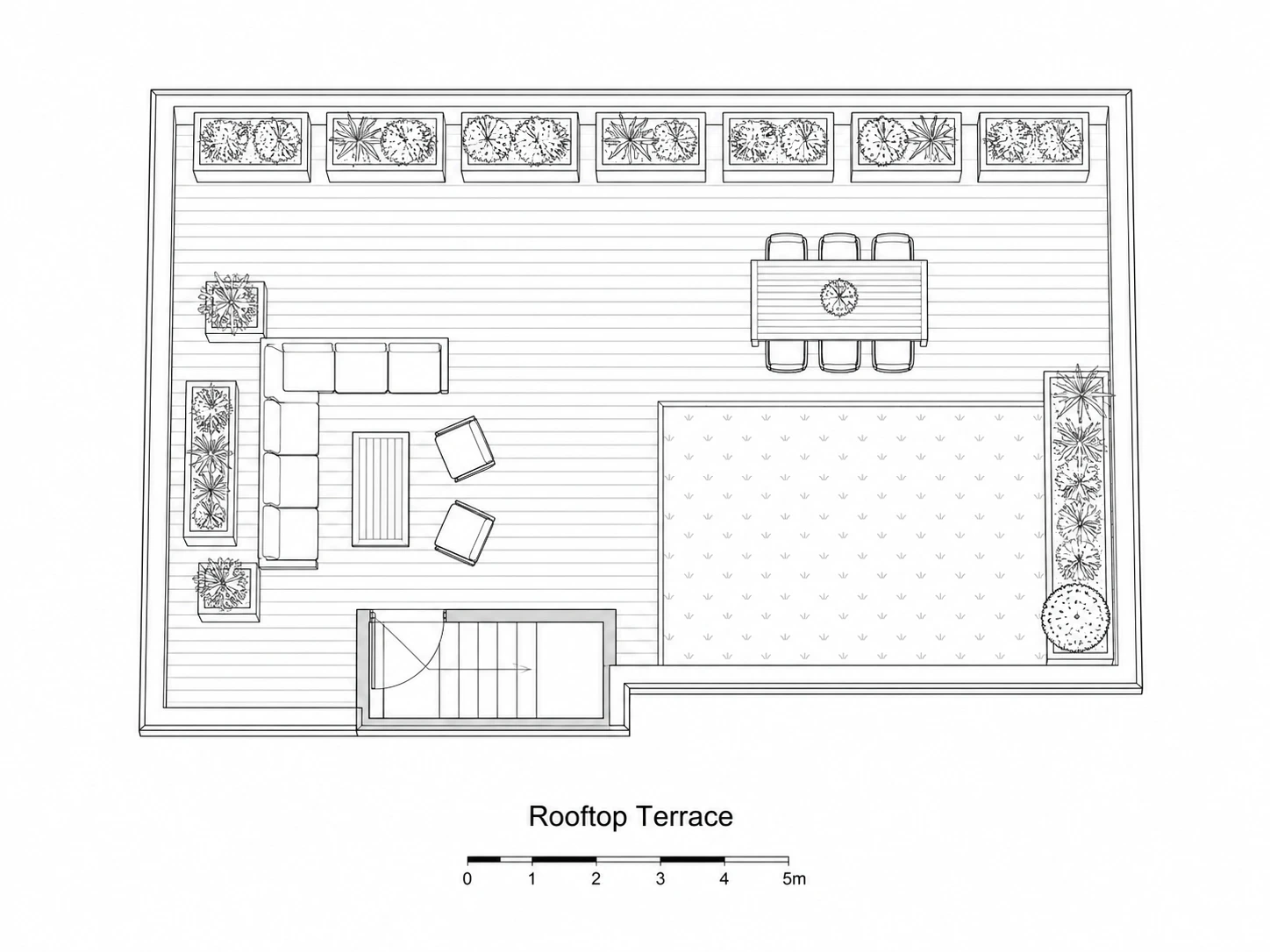
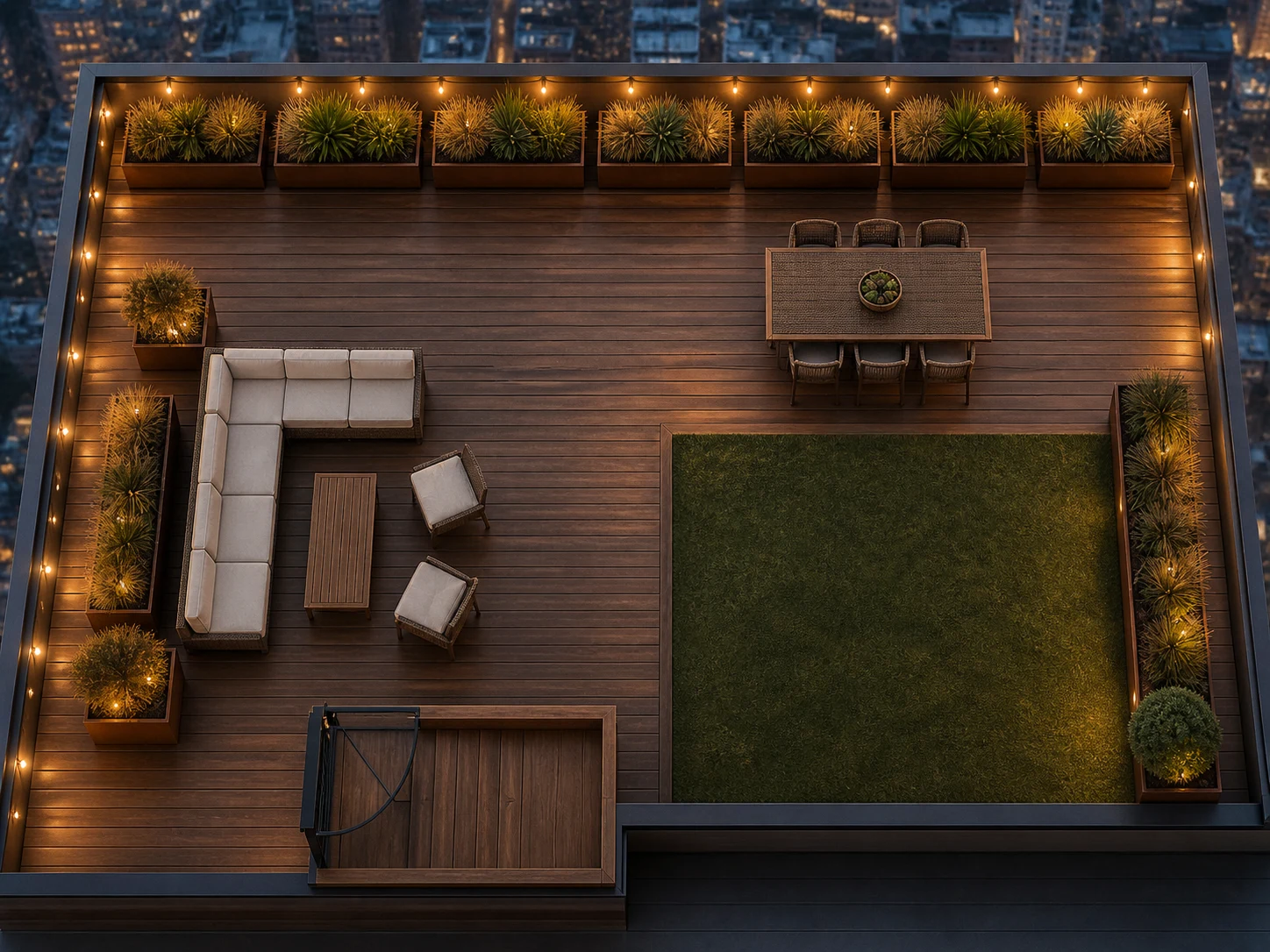
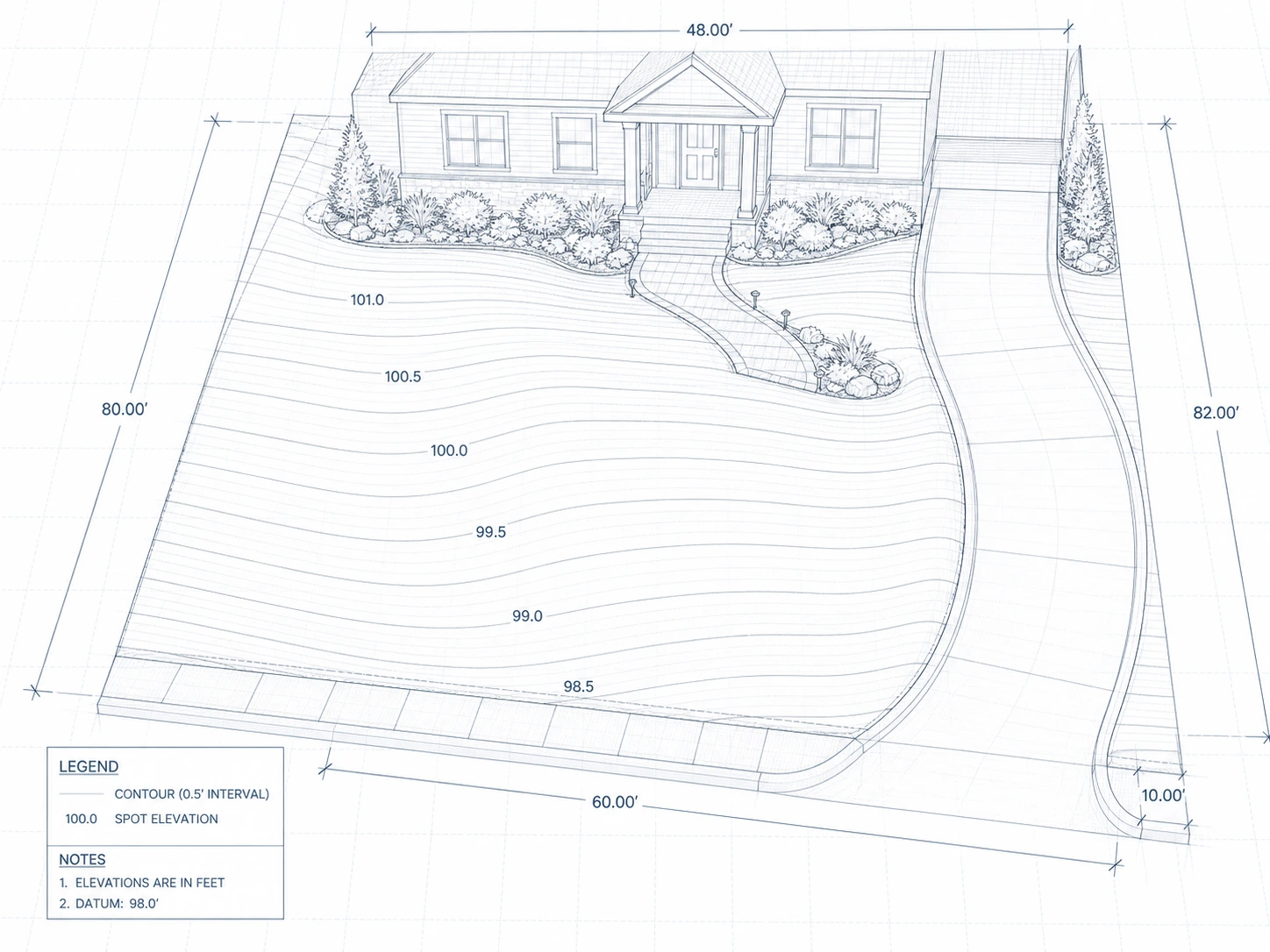
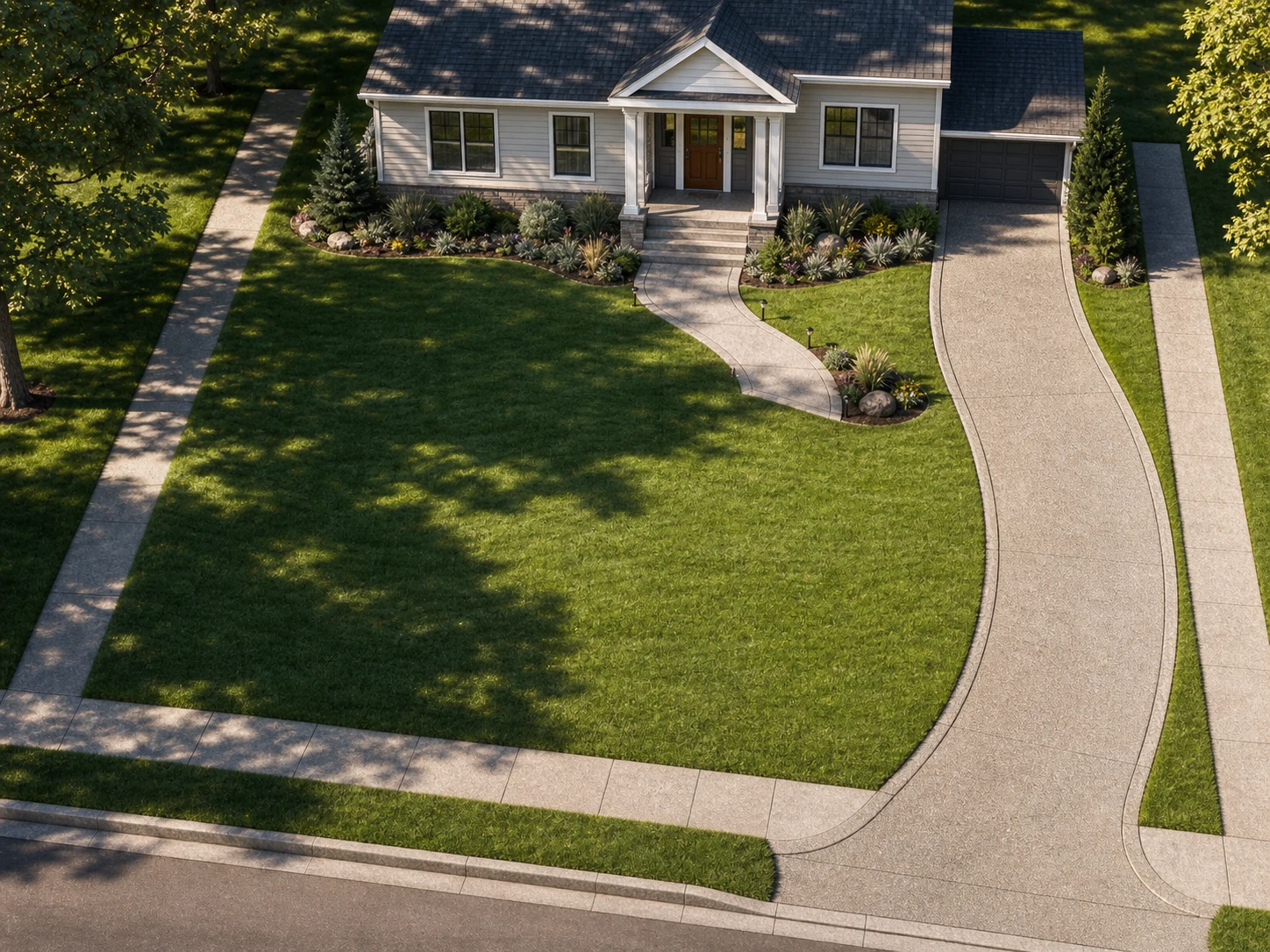
How to Render a Landscape with AI
Skip the plant library and the render farm entirely — upload a sketch or site plan, choose planting and light, and the finished yard is three steps away.
Upload Your Sketch, Site Plan, or Photo
JPG, PNG, or PDF works — a hand sketch, a SketchUp screenshot, a CAD site plan, or a phone photo of the actual yard. Whatever's already in your project folder is the starting point.
Set Planting, Hardscape & Time of Day
Pick a planting palette, paving material, and a time of day — golden hour, overcast, or dusk. The layout and camera angle stay exactly as drawn; only the planting and light change.
Download Your Landscape Render
A photorealistic render is ready in under a minute, sized for a client deck or a planting plan handout. Generate a second season from the same upload without redrawing anything.
Why Use Our AI Landscape Render Tool
A planting plan only works if the render matches it exactly. Every capability below keeps your layout intact while the planting, light, and file format change.
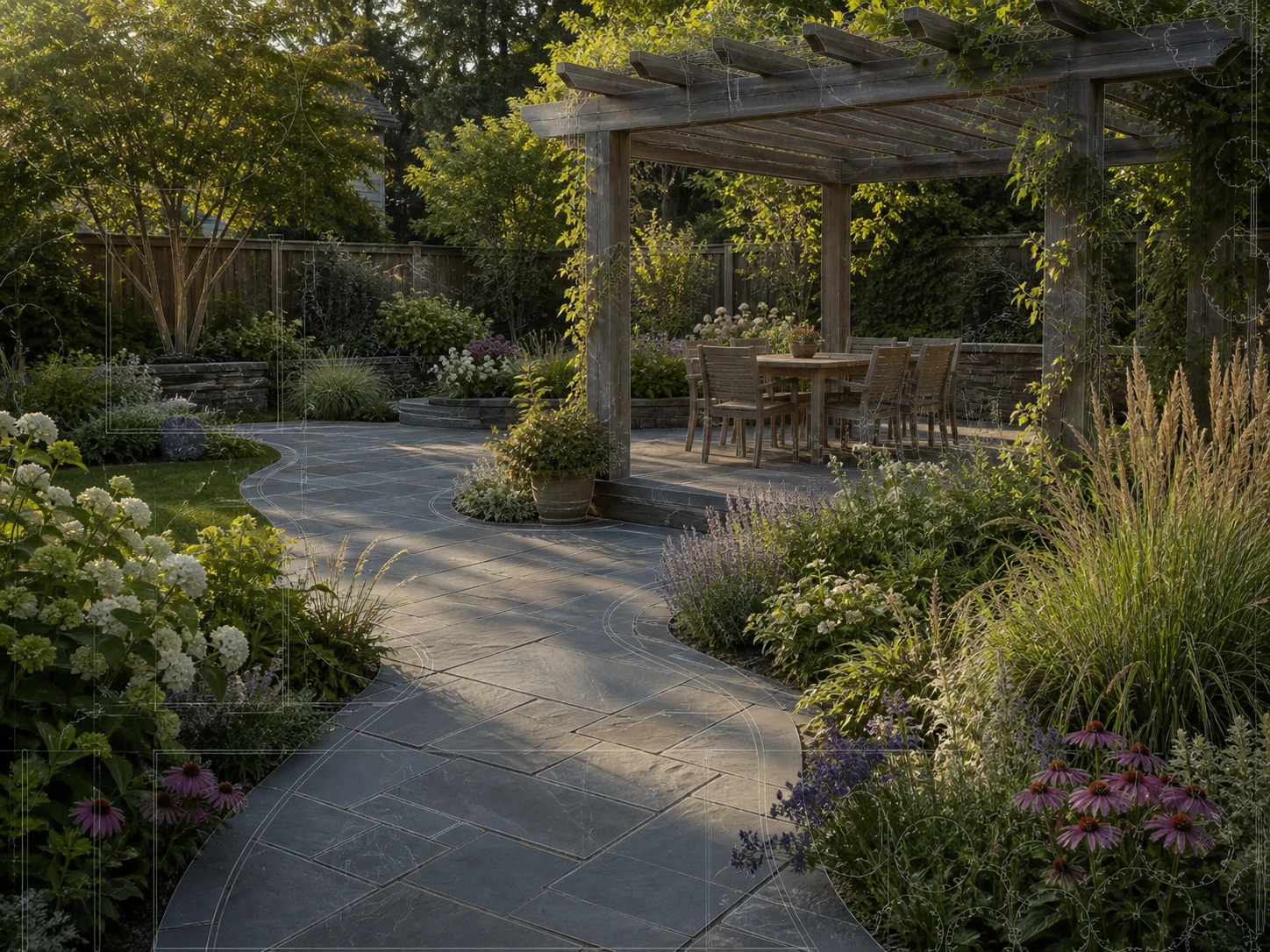
Same Beds, Same Paths, Every Render
Path lines, bed shapes, and hardscape positions come straight from your source file — our AI landscape rendering engine changes planting and light, not the layout itself. If the plan has a path curving left, the render has the same curve.
See How It Works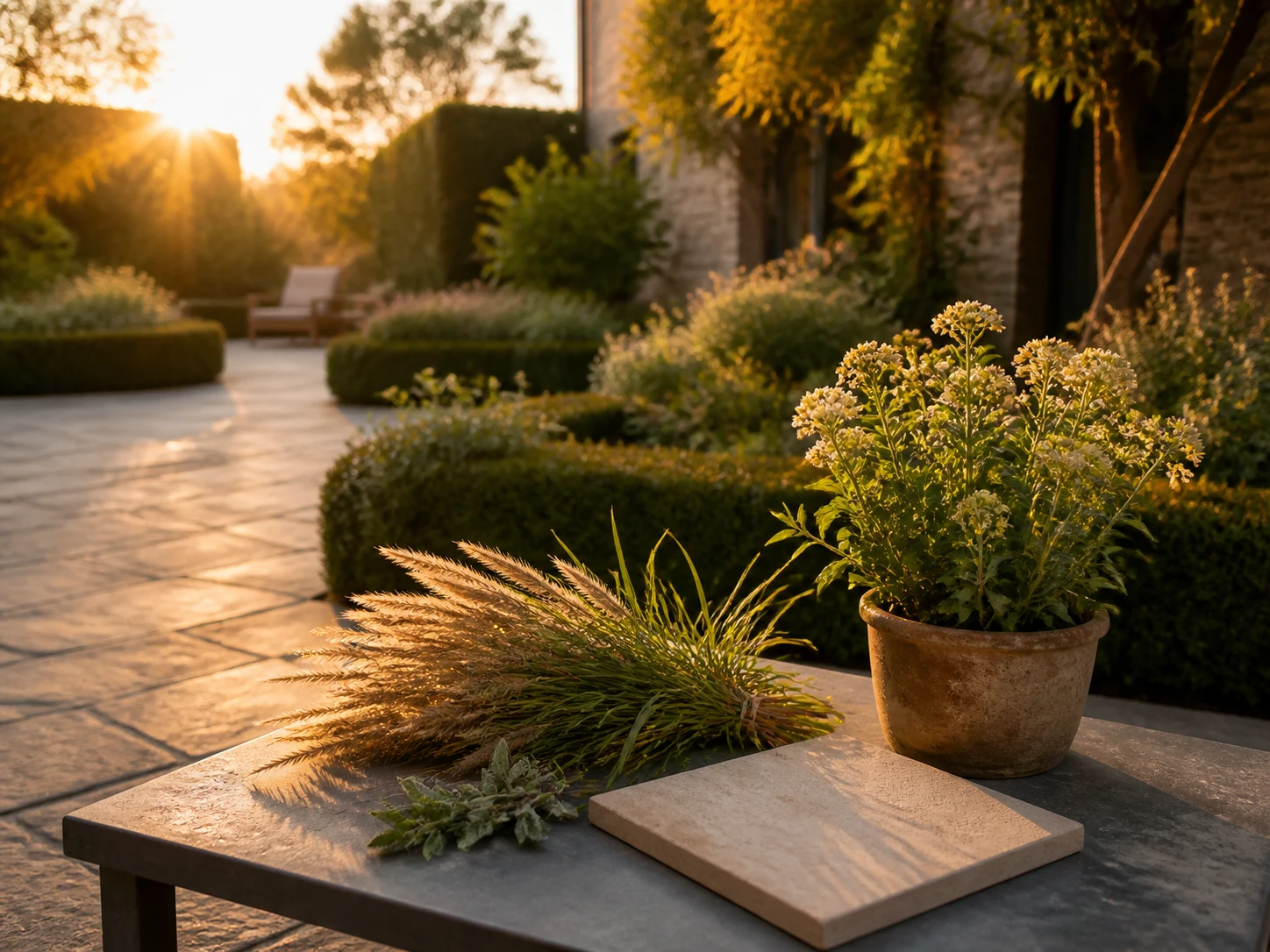
Planting & Hardscape Control
Choose native planting, paving material, and a time of day — golden hour, overcast, or dusk. Plant rendering detailed enough to read as real species, not generic green blobs, without redrawing the beds.
Browse Styles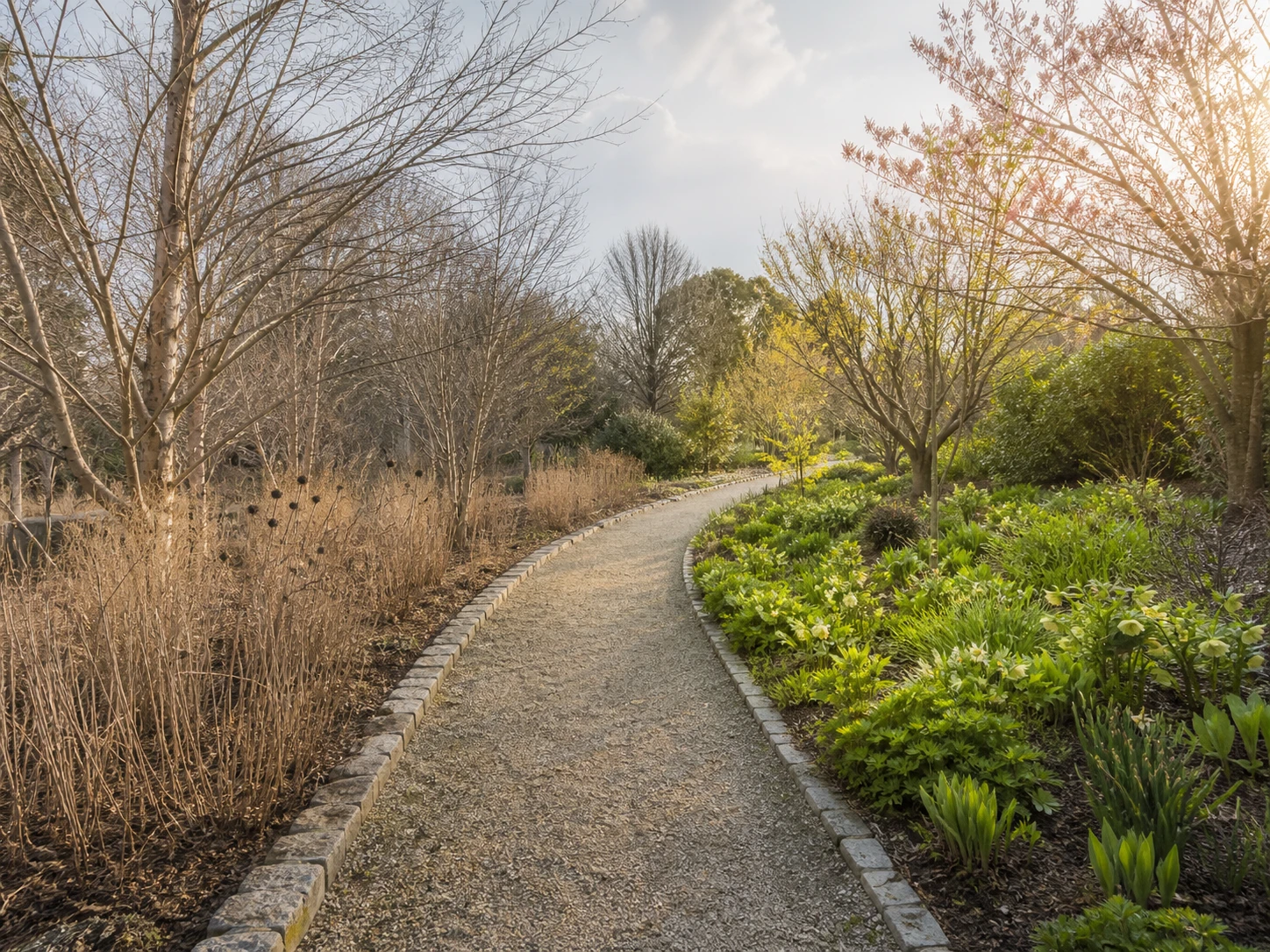
One Rendered Site Plan, Every Season
Render the same garden in spring bloom or winter dormancy from the one rendered site plan — the layout and hardscape stay put, only the planting density changes with the season.
Compare Seasons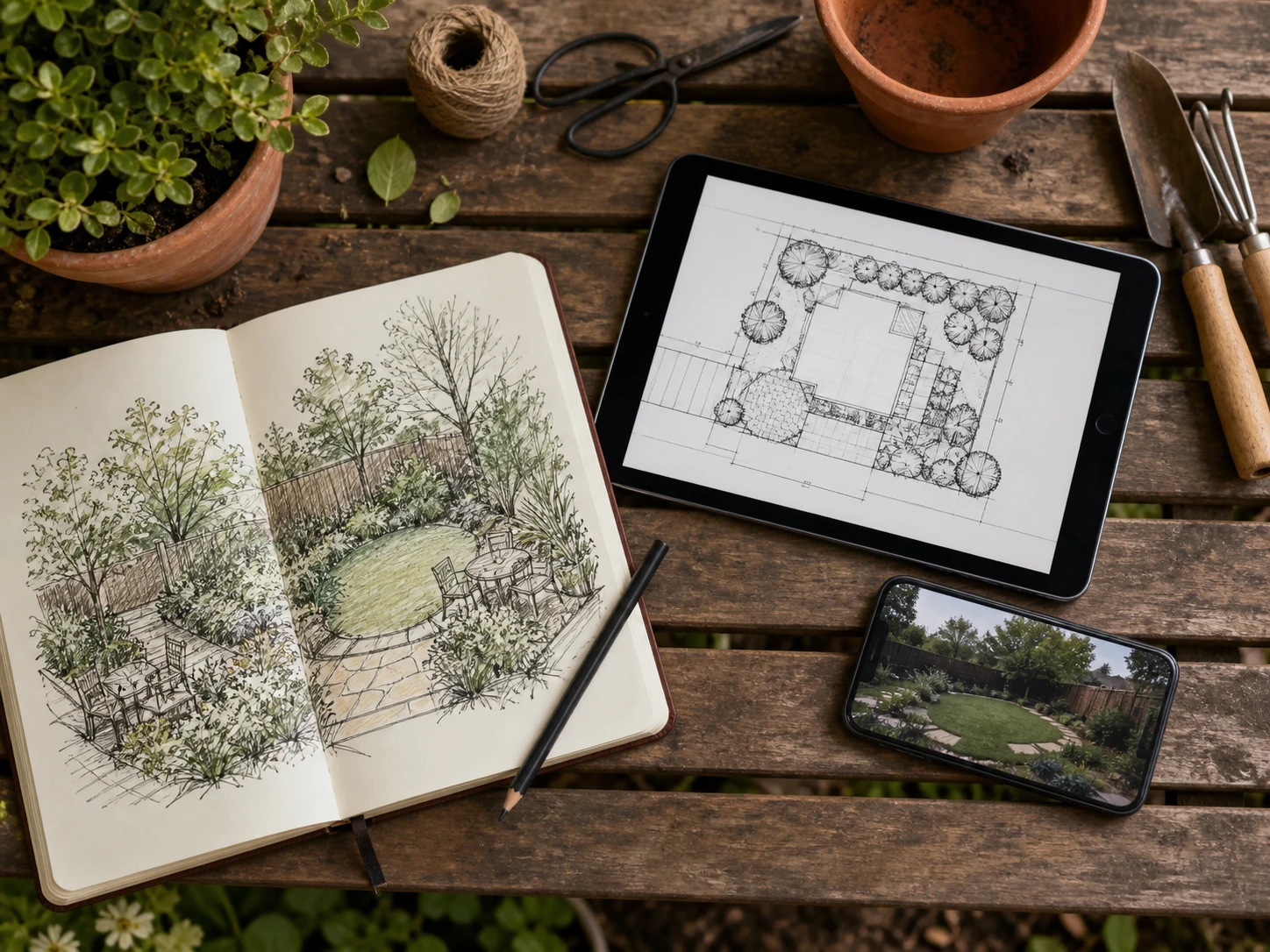
One Yard, Every File You Already Have
A napkin sketch, a SketchUp export, a scanned site plan, or a phone photo of the actual yard — none of them need converting first. Drop in a JPG, PNG, or PDF and the render starts from there.
Try Your File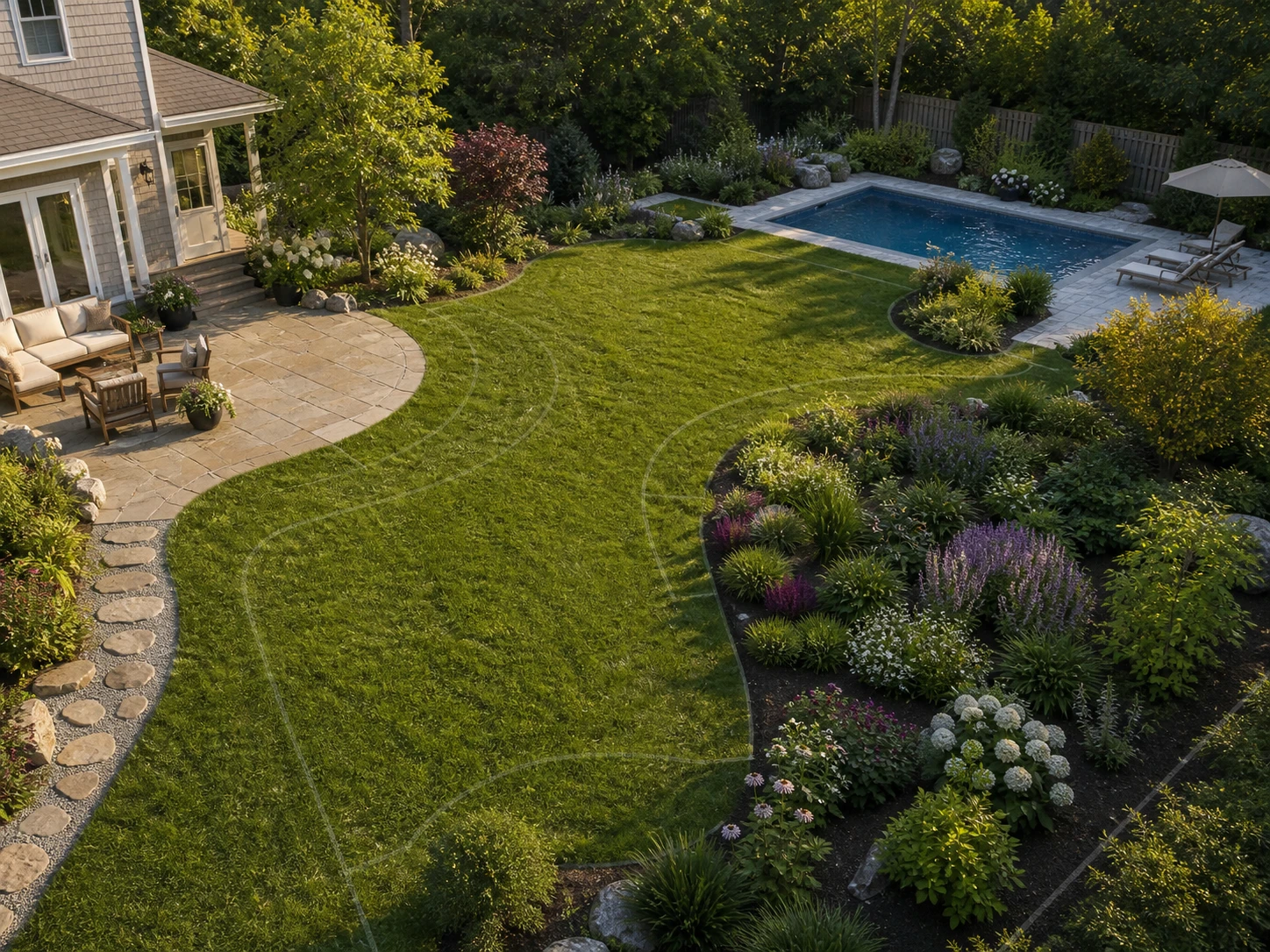
From One Bed to the Whole Yard
A single planting bed or the whole property's landscape architecture rendering — render just the corner you're revising, or a courtyard, a front yard, and a pool area in one sitting, each keeping its own layout.
Render a Full SiteWho Renders Landscapes With Us
Landscape architecture rendering for independent practices between projects, students without render-farm access, and developers who need the grounds to look finished before they are.
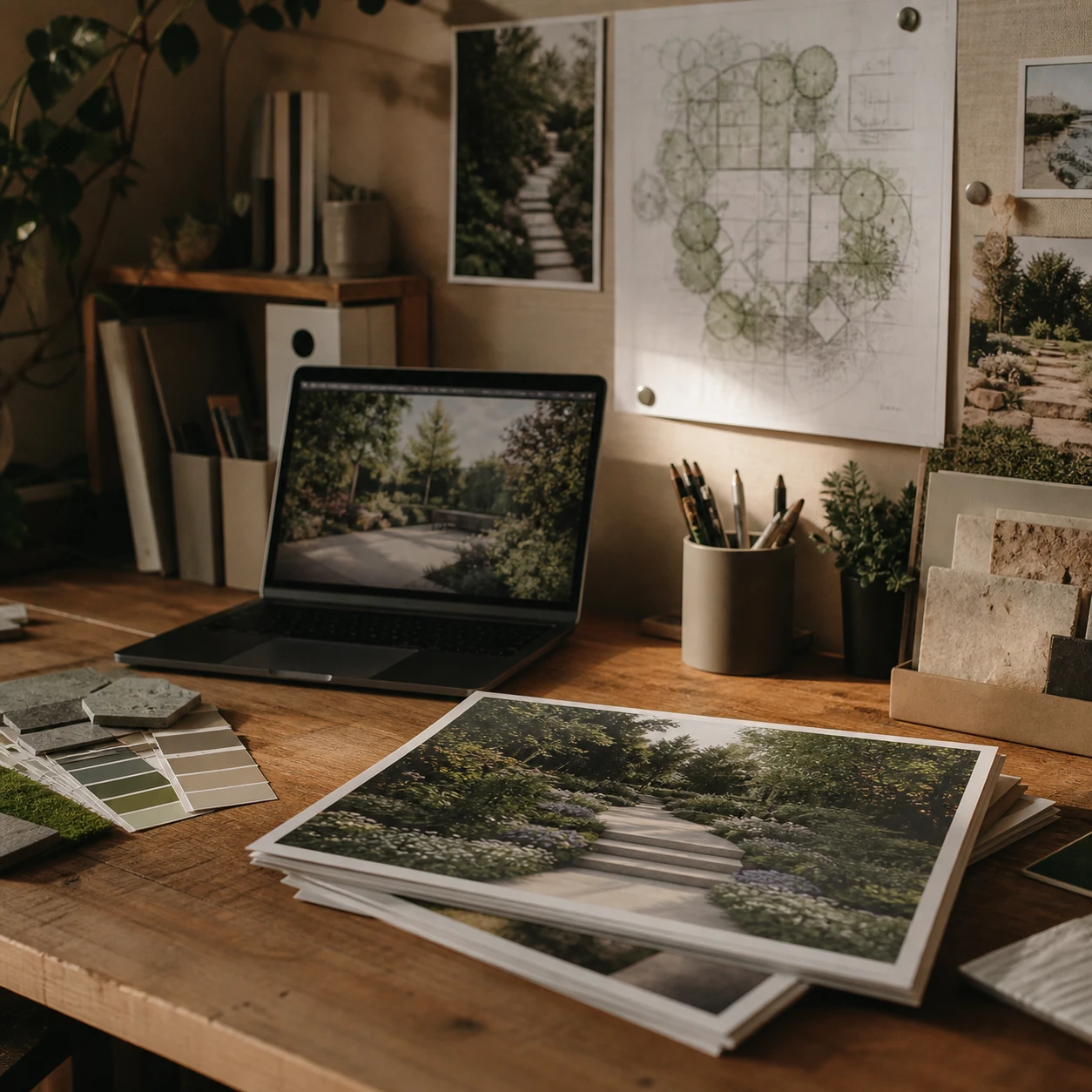
For Landscape Architects & Small Studios
Send a client spring and winter versions of the same planting plan the night before a review — one upload, two seasons, no redrawing.
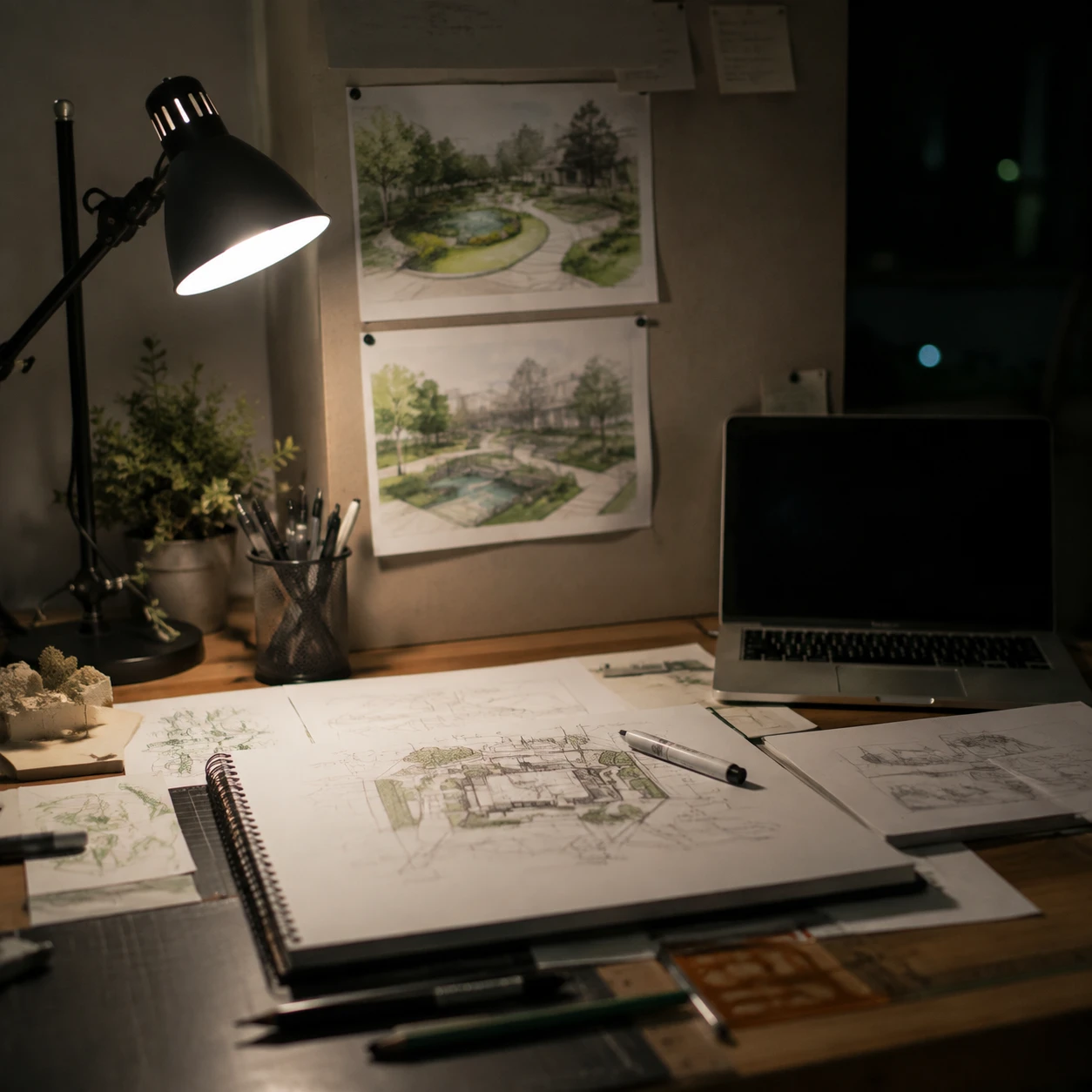
For Landscape Architecture Students
A studio review is tomorrow and the planting plan isn't rendered — AI landscape rendering turns a SketchUp study into a presentable image before the library closes.
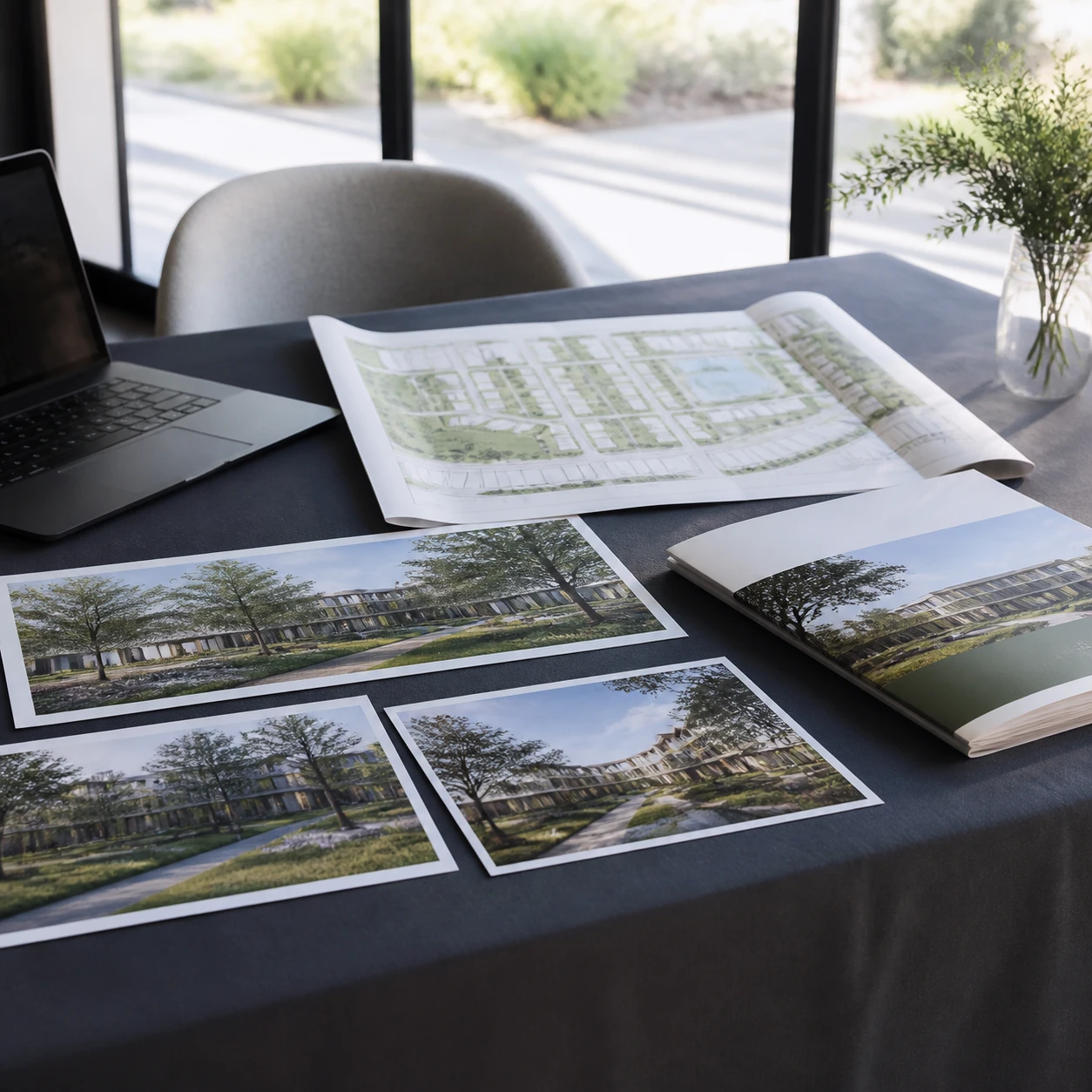
For Community & Site Marketing Teams
Show buyers the finished grounds before the sod is laid — render the landscape straight from the design team's site plan for the community brochure.
Landscape Rendering Questions, Answered

Turn Your Next Garden Sketch Into a Render
Upload a sketch, site plan, or photo and get a photorealistic AI landscape render back in under a minute.
✨ Free credits to start · No plugin required · Real planting, same layout